
Best AI for Summarizing Long Documents: Models Compared

For a dense contract, financial report or technical paper, start with a flagship: Claude Opus 5.5, Gemini 3.1 Pro or ChatGPT-5.5. For routine reports, notes and first drafts, a cheap model like Gemini 3.8 Flash or Claude Haiku 4.5 is usually enough. Whichever model you pick, ask for a page reference after every point, then check the numbers yourself.
This guide covers what the file-capable models in Moleculs cost and accept, a prompt frame you can copy, what to do when a file is too long and how to catch a bad summary. If your task goes beyond summaries, start with this overview of AI tools for working with files and documents.
Quick answer: which model to use for which kind of document
- Contracts and legal text: Claude Opus 5.5 or ChatGPT-5.5. Missing a single "unless" here can be expensive.
- Financial reports with tables: Gemini 3.1 Pro or ChatGPT-5.5.
- Research papers and long technical reports: Claude Sonnet 5 or ChatGPT 6 Sol.
- Routine reports, minutes, internal docs: Gemini 3.8 Flash, Claude Haiku 4.5 or ChatGPT 6 Luna.
- Scanned PDFs: the Claude models, because they take the most page images per request.
- Recordings: the Gemini models or ChatGPT-5.5, which accept audio and video.
Why long documents are hard to summarize
Context limits. A model reads a fixed amount of text per request, counted in tokens. A very long report can run past that limit. Then the file gets cut off or rejected, and a cut-off file still produces a confident summary.
The lost middle. Models tend to pay the most attention to the start and end of a long input. A summary of a long file often covers the introduction and conclusions well and skims the chapters in the middle, which is where the details tend to be.
Scanned pages. If the PDF has no text layer, the model has to read pictures of the pages. To check, try selecting a sentence in your PDF viewer. If you can't select it, you have a scan, and you should upload the pages as images.
Comparison table: models that accept files
Credits per run as of October 2026. For current prices, see the full model catalogue with credits per run.
| Model | Credits per run | Accepts | Images per request | Best for |
|---|---|---|---|---|
| Claude Opus 5.5 | 20 | files, images | 20 | Contracts, dense reasoning |
| Claude Sonnet 5 | 10 | files, images | 20 | Long reports, papers |
| Claude Haiku 4.5 | 5 | files, images | 20 | Quick summaries, scans on a budget |
| Gemini 3.1 Pro | 12 | files, images, audio, video | 16 | Tables, mixed media |
| Gemini 3.8 Flash | 2 | files, images, audio, video | 16 | Routine docs, first pass |
| ChatGPT-5.5 | 28 | files, images, audio, video | 10 | High-stakes text, recordings |
| ChatGPT 6 Sol | 10 | files, images | 10 | General mid-price work |
| ChatGPT 6 Luna | 1 | files, images | 10 | Drafts, chunk summaries |
| Grok 4.7 | 6 | files, images | 10 | Long-context work |
| DeepSeek V4 Pro | 2 | files, images, audio, video | not stated | Cheap second opinion |
| Qwen 3.8 Flash | 1 | files, images, audio, video | not stated | Cheapest chunk passes |
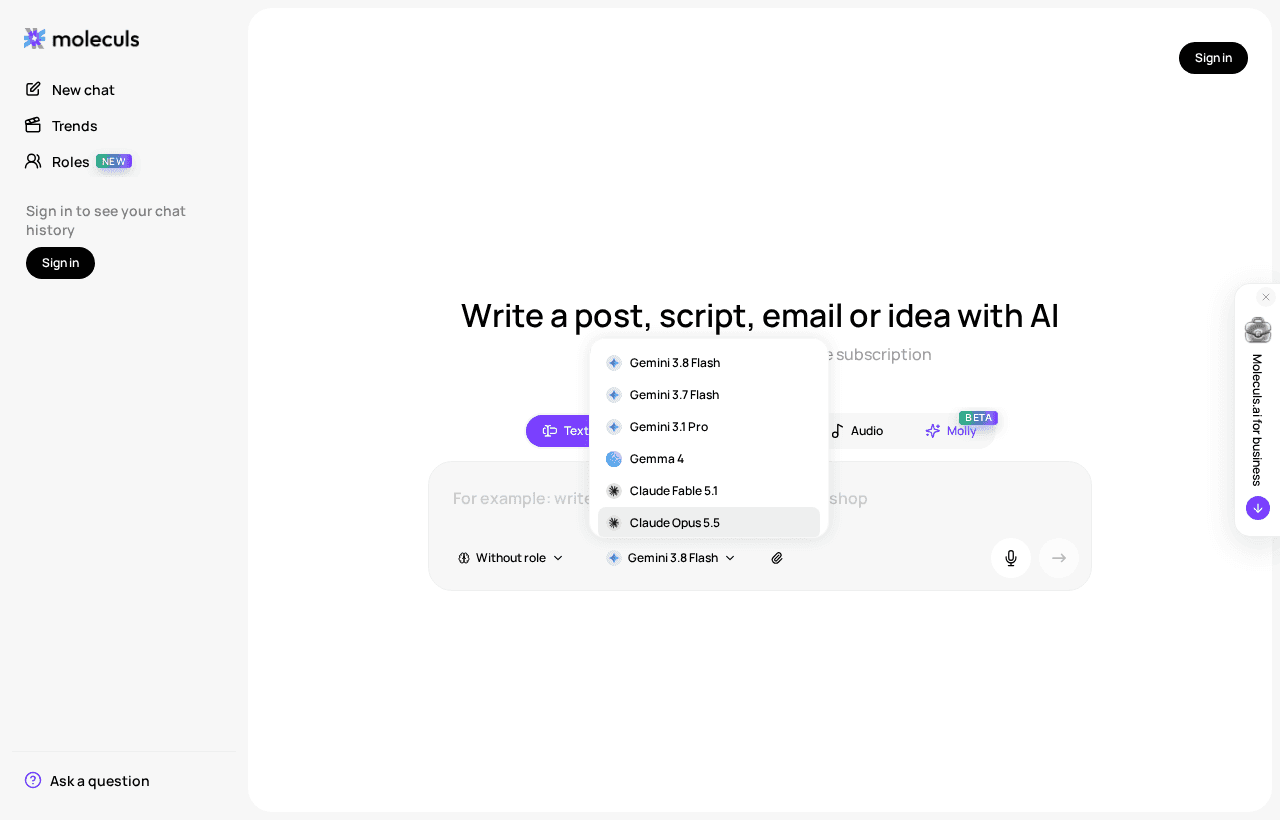
How to summarize a PDF with AI, step by step
- Prepare the file. Make sure it has a text layer. Cut appendices you don't need: fewer pages means less to lose in the middle.
- Pick a model that accepts files from the table above.
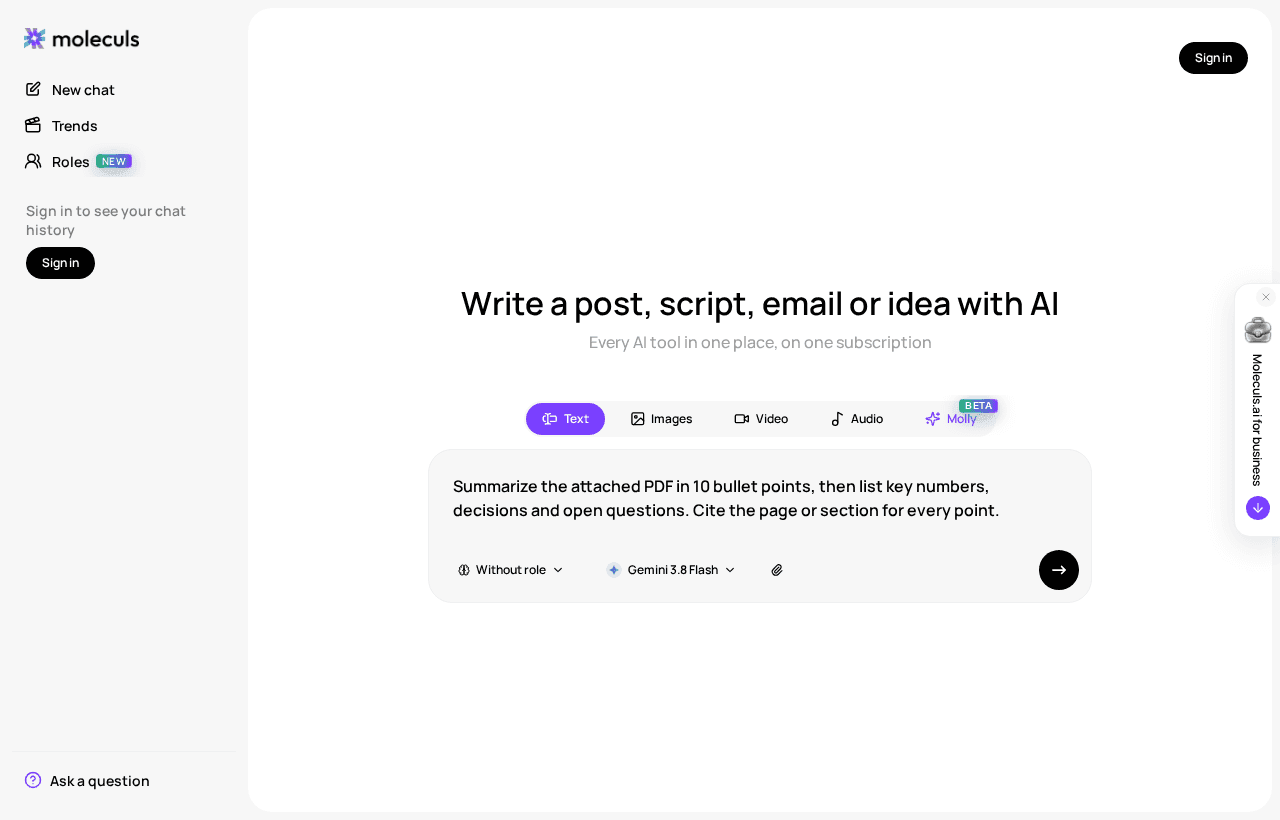
- Attach the document and write the request using the frame below.
- Read the result, then ask follow-up questions in the same chat.
The frame has four lines. Fill in each one, because each fixes a different problem:
Role: You are [who] preparing this for [audience].
Task: Summarize the attached [document type].
Format: [length and structure].
Constraints: Use only the document. Cite page or section for every point.
If something is not in the document, write "not stated in the document".Here it is filled in for a supplier contract:
Role: You are a procurement analyst preparing this for a manager who will not read the contract.
Task: Summarize the attached supplier agreement.
Format: 8 bullet points max, then a table of deadlines, amounts and penalties.
Constraints: Use only the document. Cite the clause number for every point.
If a term is not in the document, write "not stated in the document".Good follow-ups: "What did you leave out?", "List every obligation that falls on us" and "Which clauses contradict each other?" To try this on your own file, open a text chat with this prompt already filled in and attach your PDF.
Prompts that give useful summaries
Swap these into the "Format" line depending on what you need. The same prompts work for Word files too. There's more on summarizing and editing Word documents in a separate guide.
Executive summary: 5 sentences for a reader with 1 minute. Lead with the conclusion.Section-by-section outline: one line per chapter heading, in document order.
Do not skip any heading.Key numbers and decisions: a table with columns Item, Value, Page.
Then a list of decisions made and questions left open.For every point, add (p. X) or (§ X). If you can't place a point, drop it.The outline prompt also works as a coverage test. If it lists fewer headings than the table of contents, the model didn't read the whole file.
When the document is too long for one request
You'll see two signs: the summary is detailed for early chapters and vague for later ones, or the outline prompt stops partway through. Then split the file:
- Cut the file at chapter boundaries, not at a fixed page count. Parts of roughly 30-50 pages are a sensible start.
- Summarize each part with the same prompt, and tell the model which pages it's reading: "This part is pages 101-150 of the original." That keeps the references correct.
- Paste all the part summaries into a new request and merge them:
Below are summaries of parts 1-6 of one report, in order.
Merge them into one summary of 10 bullet points. Keep page references.
Remove repeats. Flag any place where two parts contradict each other.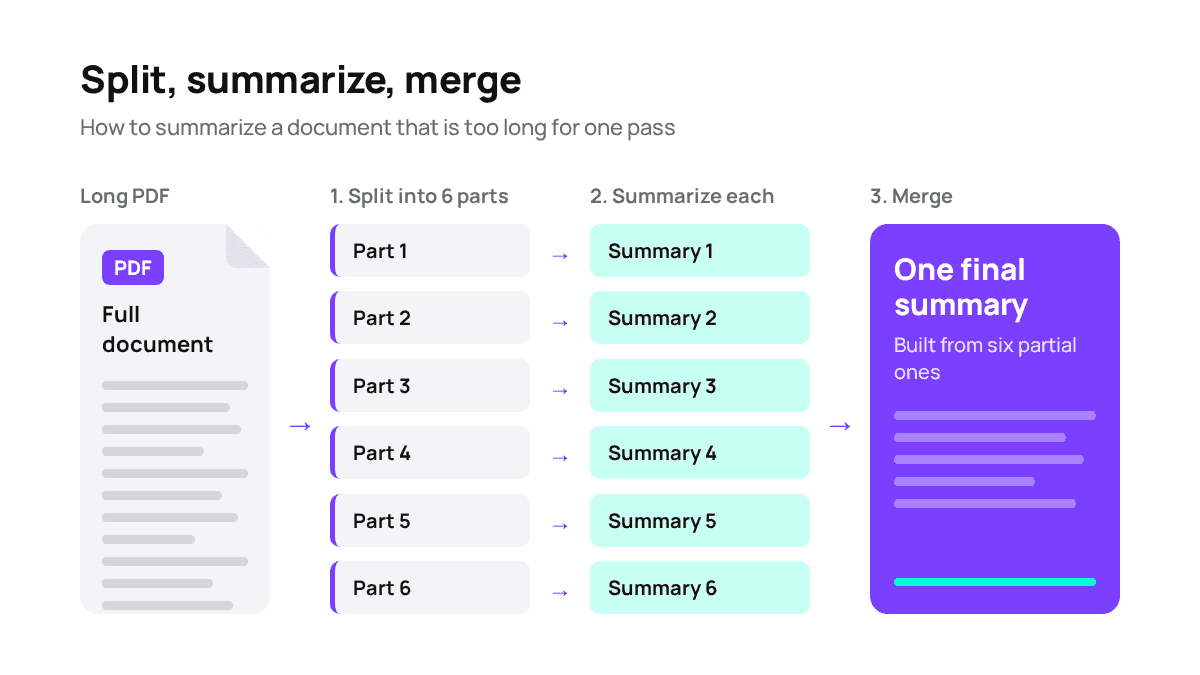
Here's the cost of this approach. Six parts on Qwen 3.8 Flash at 1 credit each, plus a merge on Claude Sonnet 5 at 10 credits, comes to 16 credits. That's less than one run of Claude Opus 5.5. If a part fails, you rerun just that part, not the whole file.
How to check an AI summary
Run three checks before you forward the summary to anyone:
- Numbers and names. Pick five figures, dates or names from the summary and find each one in the source. A single wrong number means you check all of them.
- Coverage. Compare the section list from the outline prompt with the document's table of contents. A missing chapter usually means the file was too long.
- Quotes. Ask: "For each point, quote the sentence from the document it is based on." Then search the source for each quote. If a quote doesn't turn up, treat the point as unverified.
For important documents, run the same file through a model from a different family, for example Claude and Gemini, and compare the two summaries. Where they disagree, read the original.
Cheap model or flagship
A 1-2 credit model is usually enough for:
- internal reports and minutes
- deciding whether a document is worth reading at all
- summarizing chunks before a merge
Pay for a flagship when the text is dense and mistakes cost money: legal obligations with conditions ("provided that", "except where"), financial footnotes, and technical specs where units and tolerances matter. Cheap models tend to flatten exactly these details.
Here's a workable order. Run the cheap model first and do the three checks above. If two or more points fail, rerun on Claude Opus 5.5 or ChatGPT-5.5. The wasted cheap run costs you 1-2 credits. Trusting it without checking can cost far more. The Moleculs free plan comes with a 5-credit quota, which covers a few test runs on 1-credit models. Paid plans are on the pricing page. Once you have a summary you trust, you can turn it into a ready document.
Beyond PDFs: audio, video and meeting recordings
ChatGPT-5.5, Gemini 3.1 Pro, Gemini 3.8 Flash, DeepSeek V4 Pro and Qwen 3.8 Flash accept audio and video, so you can attach a recording directly. For long recordings, it's often more reliable to transcribe first with ElevenLabs Speech-to-Text, which also labels speakers. Then summarize the transcript like any text file.
Summarize this meeting transcript.
List: decisions made, action items with owner and deadline, open questions.
Add a timestamp for each item. If an owner is not named, write "no owner".Replace generic speaker labels with real names before you summarize, or the action items may end up assigned to the wrong people.
Frequently asked questions
Related articles
See all
Corporate access to AI models
Invoice for legal entities, centralised payment, priority support
- Access to ChatGPT, Gemini, Grok, Claude and DeepSeek
- Prompt library and shared access inside the team