


Qwen
The original Qwen right in your browser
 Top model: Qwen 3.8 Max
How can I help?
Ask me anything





 Works right in the browser
 All payment methods
Available models
MOLECULAI
The all-purpose model: describe the task in words and it picks the tool itself - from answering a question to a finished video.
Claude Opus
The strongest in the Claude family. Take it for hard tasks: working through long documents, code, extended reasoning.
Claude Sonnet
A balance of speed and quality. The everyday workhorse: copy, emails, analysis, medium-sized code.
Claude Haiku
The fastest of the Claude models. For short tasks where response speed matters more than depth.
Claude Fable
Anthropic's largest model and the ceiling of what the family can do. Opus came later, costs half as much and beats it on most tasks - people reach for Fable when Opus could not handle an unusual case.
ChatGPT
OpenAI's best-known model. All-purpose: it writes, explains, and helps with code and study.
Gemini
Google's model with a large context window. Strong on long documents, spreadsheets and attachments.
Gemma
Google's compact open model. Fast answers to simple tasks at minimal cost.
Grok
xAI's model with a lively way of answering. Good for conversation and for fresh topics.
DeepSeek
Strong at logic and code. The Pro version reasons more deeply, Flash answers faster.
Kimi
Holds a very long context. Take it when you need to work through a large document in one go.
Qwen
Alibaba's model, strong at multilingual tasks and translation. Thinking mode reasons step by step.
GLM
Zhipu AI's model. Handles long texts and code well; the Flash version is faster and cheaper.
Perplexity Sonar
Searches the web and answers with links to its sources. Deep Research puts together a full review of a topic.
Llama
Meta's open model. An all-purpose assistant for everyday text tasks.
Ready-made prompts
Go through a document
Here is a long text. Summarise it section by section, pull every figure and date into a list, and flag separately the contentious parts and what the document stays silent about.
Solve it with reasoning
Solve the problem and set out the reasoning step by step: where it is easy to slip, what assumption you made, and what changes if you drop it.
Write and explain code
Write a function for my task with comments, add a couple of tests, and explain why you chose that approach.
Rewrite for an audience
Rewrite the text for a different audience - I will say which. Keep the meaning and the facts, change the vocabulary, sentence length and examples.
Play a role
Be an expert in the field I name: ask clarifying questions one at a time and do not give advice until you have the picture.
Examples created by our users
CCalvinAnalyst I keep several models in one window and run the same task through all of them. You can see which one calculates better and which one writes more smoothly - I used to pay for two subscriptions separately.
AAliciaCopywriter I draft in one model and proofread with another: the second catches what the first misses.
TTravisDeveloper I send over a broken piece of code and get not just the fix but an explanation of why it happened. The explanation was more useful than the fix.

What Qwen Can Do
When ideas aren't coming, the deadline is closing in, and the text isn't coming together, Qwen helps you get back into the work quickly. Good for generating material, structuring thoughts, and editing wording in different styles.

Plans and Structure
Qwen helps put together publication plans, work out content categories, and build a content calendar. It structures pages with H2/H3 headings and adds an SEO Q&A block. Good for blogs, landing pages, and informational site sections.

Optimizing Long Texts
Large drafts can be reworked to your brief. The text becomes livelier and more sales-oriented, without clichés or overloaded phrasing. Keywords and names are preserved.

Video Ideas
Qwen suggests ideas for Reels, Shorts, and YouTube. It comes up with hooks, structures the video, and adds timecodes and caption suggestions. Good for quickly preparing a script.

Working with Code
The model creates instructions, function descriptions, README templates, and code comments. It reviews code snippets, suggests fixes, and possible tests.

Business and Promotional Copy
Qwen helps prepare emails, landing page copy, offers, and short sales phrasing. Good for business communication and promotion tasks.

Rewriting and Adaptation
Text can be rewritten, shortened, and adapted to the right audience and brand tone. Useful for blogs, product cards, and landing pages.
How Moleculs.ai works with Qwen
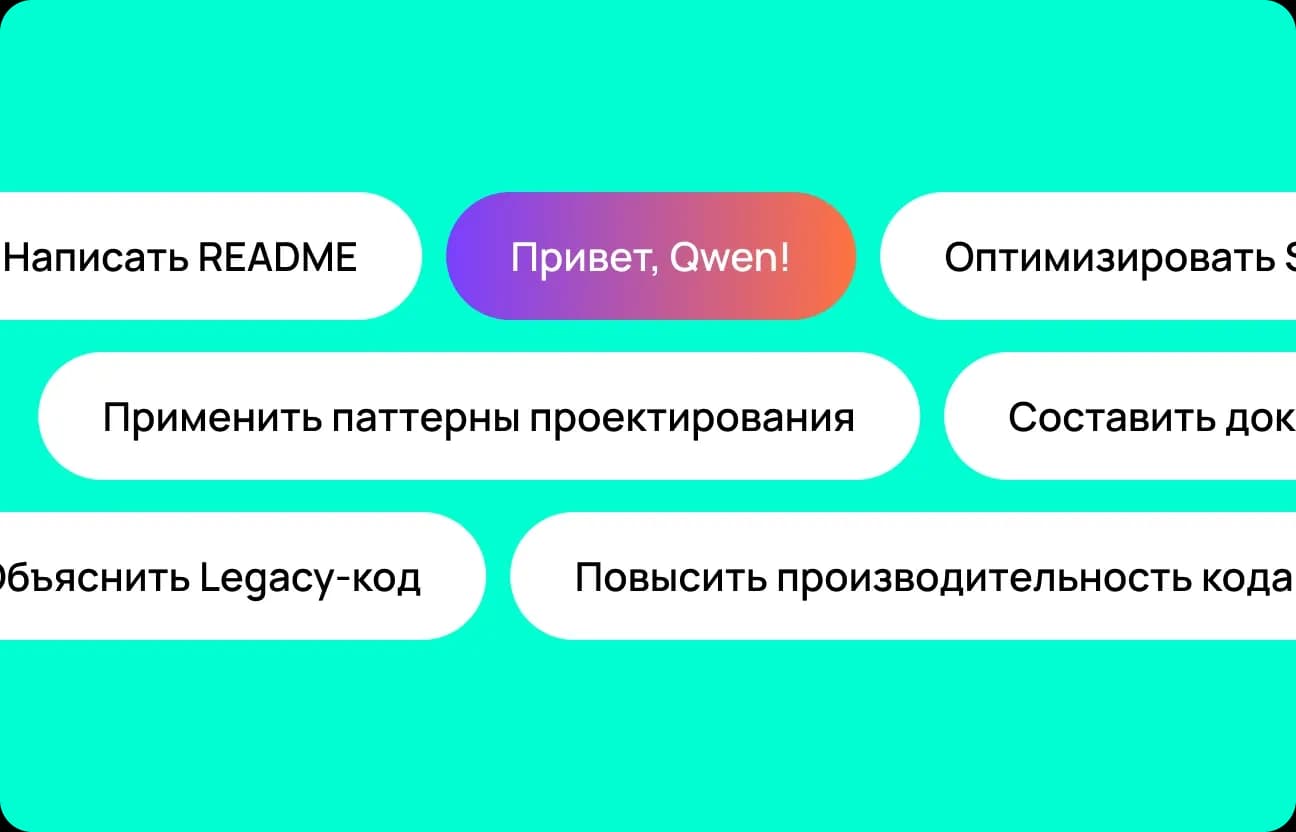
Define your goal
State the task: explain code, refactor it, write a README, or put together tests. Qwen Coder analyzes the request and chooses the response format - from an explanation to a ready-made patch.
Specify the stack and language for Qwen 2.5
Give the language or framework - Python, JS, Java, SQL, and so on. Qwen 2.5 adapts the solution to the chosen stack and improves generation accuracy.

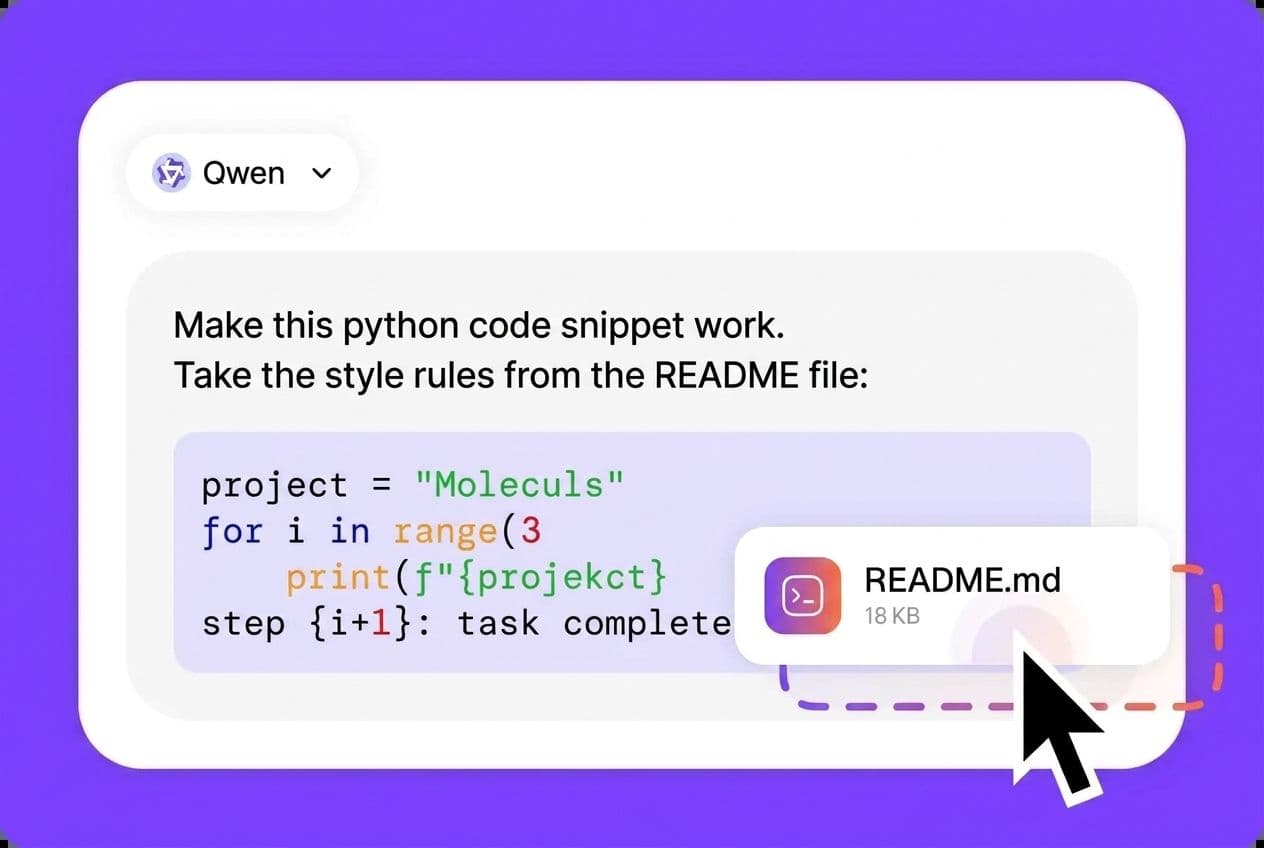
Describe the file context
Paste in the relevant code snippet, comment, or excerpt from documentation. Qwen AI takes the project context into account and produces a response that fits the task as closely as possible.
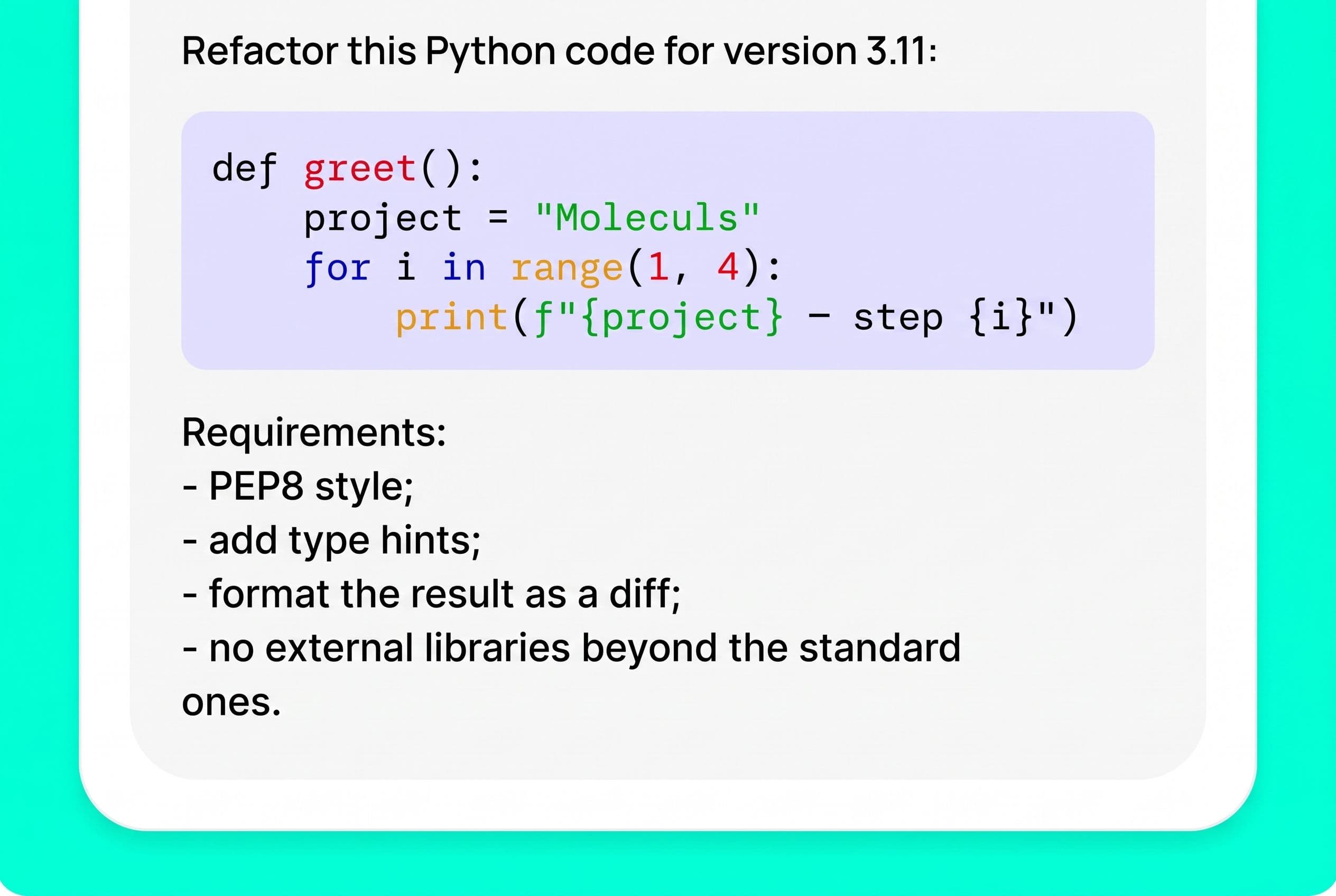
Set constraints for Qwen Chat
Specify your requirements: code style, output format (patch, diff, tests), compatibility with a language version, or banned libraries. Qwen Chat follows the conditions strictly and produces a clean, structured result.
 Moleculs.ai
 Other services
User mini-cases


How to write prompts that get stronger results from Qwen
To get the most accurate and useful responses from Qwen, it's important to write clear prompts. Start by stating your goal — what exactly you need: explain code, refactor, write a README, or build tests. Then specify your stack and language (Python, JS, Java, etc.), and add context — the relevant code snippet or task description. Set constraints: coding style, language version compatibility, output format, and library restrictions. This way, Qwen Coder or Qwen Chat understands your task without ambiguity and delivers professional results.
Example of a bad prompt:
"Make the code better"Example of a good prompt:
"Refactor this Python code for 3.11 compatibility. Remove unnecessary imports, add type hints, and format functions per PEP8. Include unit tests for the main functions at the end."
Why is Moleculs.ai better than a standalone Qwen subscription?
Because with Moleculs.ai, you get access to more than just Qwen AI — you also get GPT-5, Gemini, Claude, DeepSeek, and dozens of other specialized models for text, images, video, and TTS. Different tasks call for different tools, and Moleculs.ai with Qwen Chat and Qwen 2.5 handles them all in one place — no overpaying, no switching between platforms, and with shared memory across models. Qwen on Moleculs.ai works seamlessly alongside other models, so you don't need separate subscriptions for each one — get everything done faster and more affordably in a single workspace.
Moleculs.ai is cheaper and faster
One subscription gives you dozens of neural models, transparent limits, and ready-made presets that save time.
The platform helps you scale content, collaborate, and automate routine without extra costs. Faster, simpler, and more cost-effective than assembling tools separately.
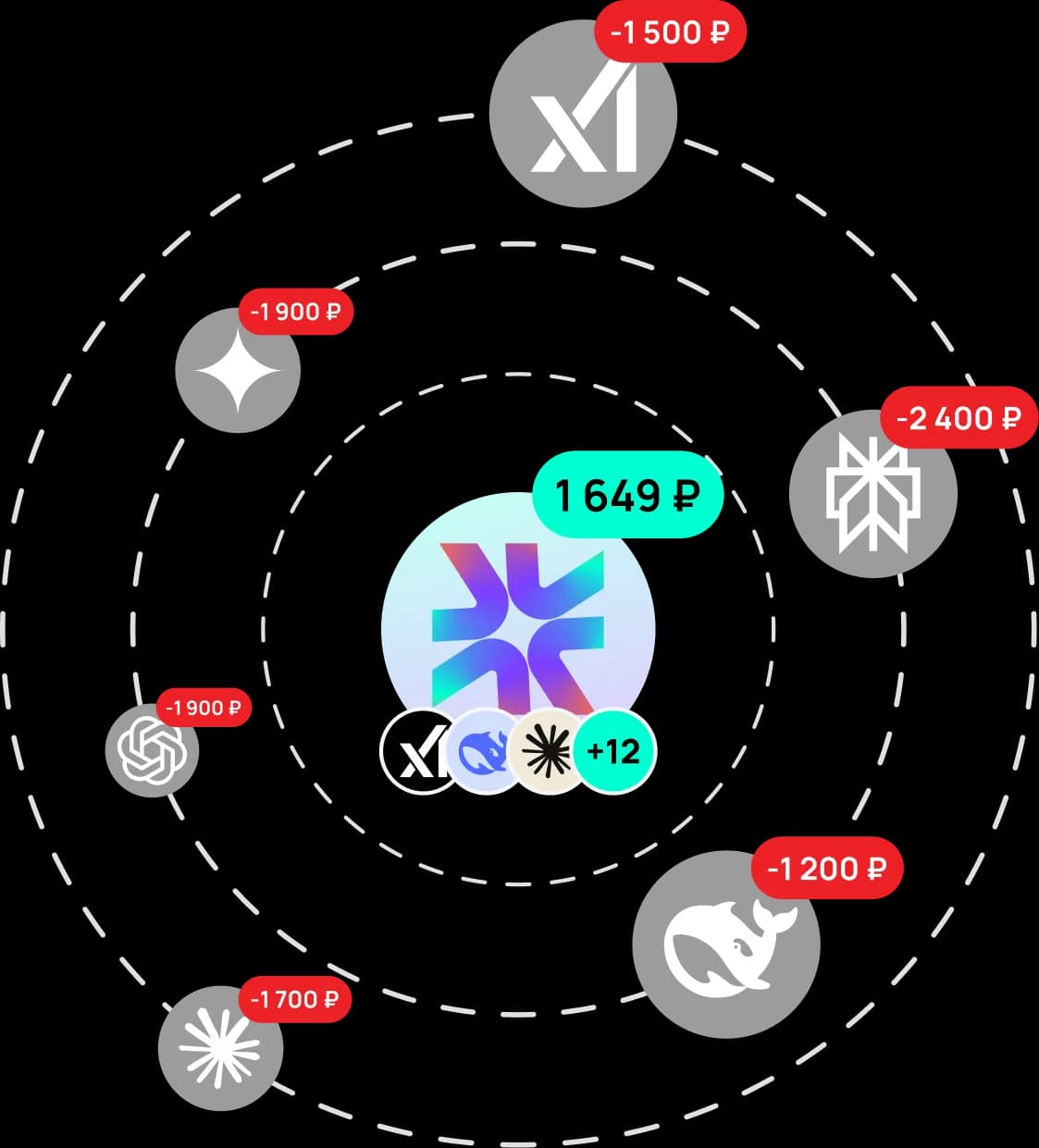
Choose a plan for your needs
What our users say
Real reviews from our Telegram community
Answers to questions
Yes. With Moleculs.ai you get Qwen running right away, with no extra setup.

Try Qwen right now
Describe your task — code review, documentation, or content — and Qwen AI will deliver results instantly. Test the quality of Qwen Chat and Qwen Coder with a free demo: analyze code, rewrite a function, or create a README in seconds. With Moleculs.ai, you can use Qwen 2.5 alongside dozens of other models — no limits, no switching, and no extra subscriptions. Then upgrade to a paid plan and unlock not just Qwen for text, but also models for images, video, and voice — all in one dashboard, with unlimited switching. Generate for Free
Qwen — Smart AI Chat for Work and Productivity
If you're looking for a modern AI chat that delivers clear, useful answers and helps you get real work done, Qwen is one of the best options available. This isn't just an AI you "talk to" — it's a tool that actually solves tasks: from content writing to analytics, code, and project ideation. On Moleculs.ai, Qwen is available as an online chat. Everything runs right in your browser — no software to install, no complicated setup. The interface is clean and intuitive. Just visit the site, type your prompt, and get an instant response. This approach is especially valued by professionals who need a reliable tool for everyday work, not just a one-time AI experiment.
What is Qwen and why is everyone talking about it
Qwen AI is a family of large language models developed by Alibaba Cloud. It's a cutting-edge AI model trained to understand the meaning behind your prompts, context, conversational tone, and deliver coherent responses that closely mirror human reasoning. Qwen models were trained on massive datasets of text and information. This allows the AI to reason, synthesize information, handle complex prompts, and maintain long conversations. Qwen AI is built not just for quick questions, but for tasks that require holding context and working through problems step by step.
Why Qwen's multilingual support truly matters
For a long time, most powerful AI models performed best in English only. Qwen solves this problem with robust multilingual support. It accounts for language nuances, communication styles, professional terminology, and colloquial expressions across languages. This means you can phrase your prompts naturally, the way you think. No need to simplify your ideas or adjust to the model's limitations. Qwen chat handles short questions and complex tasks with equal confidence — whether you need logic, structure, or step-by-step reasoning. The responses are clear and immediately actionable.
How Qwen AI works
Qwen is built on transformer architecture. When you send a message, the Qwen AI analyzes the context, identifies key meanings, and generates a response based on knowledge acquired during training. Importantly, the model doesn't copy pre-existing text. It creates new formulations tailored to your specific task. This makes Qwen AI ideal for analytical, educational, and creative use cases. Responses come across as logical, coherent, and genuinely natural.
Where Qwen really shines
In practice, Qwen chat is used across a wide range of scenarios. The AI helps with writing, information analysis, coding, brainstorming, and organizing your thoughts. This makes it a versatile tool for learning, work, and business. Most common uses for Qwen include: Writing and editing articles, emails, descriptions, and other content; Improving text structure and style, paraphrasing, and condensing; Explaining complex topics in plain language; Working with code and programming logic; Analyzing data and preparing summaries; Generating ideas for projects, content, and presentations.
Working with images and multimedia scenarios
Qwen AI is useful far beyond text tasks. It helps with scenarios involving visual content. The AI can describe images, suggest ideas for visuals and video, and assist with concepts and structures for multimedia projects. That's why Qwen AI chat is a go-to tool for marketers, designers, and content teams. The AI helps tie together text, imagery, and your overall vision into one cohesive result.
Access Qwen instantly
It's important that the service is accessible directly, with no barriers. Qwen on the Moleculs.ai platform works with required and no workarounds. No need to fiddle with network settings or hunt for unreliable solutions. Simply visit the Qwen page on the platform, sign in, and start working. This setup keeps the service stable and predictable — especially important for regular use in your daily workflows.
Qwen on Moleculs.ai — your unified workspace
The Moleculs.ai platform gives you access to Qwen through a single interface alongside other AI models. This is perfect if you use AI regularly and want to mix and match different models for different tasks. Qwen runs smoothly here — no queues, no delays. Your conversation history is saved, the interface stays simple, and the AI is always ready when you are.
How to get started with Qwen
Getting started with Qwen requires zero technical knowledge. Just visit Moleculs.ai, sign up, choose a plan, and open the chat. Responses appear fast, conversations flow naturally, and context is never lost. If you're looking for a powerful Qwen AI that's ready for real-world tasks, Qwen on the Moleculs.ai platform is a practical and convenient solution. Try it out, see what it can do, and start using AI in your daily work today.


Disclaimer. Qwen is a trademark of Alibaba Cloud. Moleculs.ai is an independent aggregator platform. We provide users with optimized prompts, a unified interface, convenient billing, and access to Qwen and other models — all in one place.