


Claude
The real Claude, right in your browser
 Top model: Claude Fable 5.1
How can I help?
Ask me anything





 Works right in the browser
 All payment methods
Available models
MOLECULAI
The all-purpose model: describe the task in words and it picks the tool itself - from answering a question to a finished video.
Claude Opus
The strongest in the Claude family. Take it for hard tasks: working through long documents, code, extended reasoning.
Claude Sonnet
A balance of speed and quality. The everyday workhorse: copy, emails, analysis, medium-sized code.
Claude Haiku
The fastest of the Claude models. For short tasks where response speed matters more than depth.
Claude Fable
Anthropic's largest model and the ceiling of what the family can do. Opus came later, costs half as much and beats it on most tasks - people reach for Fable when Opus could not handle an unusual case.
ChatGPT
OpenAI's best-known model. All-purpose: it writes, explains, and helps with code and study.
Gemini
Google's model with a large context window. Strong on long documents, spreadsheets and attachments.
Gemma
Google's compact open model. Fast answers to simple tasks at minimal cost.
Grok
xAI's model with a lively way of answering. Good for conversation and for fresh topics.
DeepSeek
Strong at logic and code. The Pro version reasons more deeply, Flash answers faster.
Kimi
Holds a very long context. Take it when you need to work through a large document in one go.
Qwen
Alibaba's model, strong at multilingual tasks and translation. Thinking mode reasons step by step.
GLM
Zhipu AI's model. Handles long texts and code well; the Flash version is faster and cheaper.
Perplexity Sonar
Searches the web and answers with links to its sources. Deep Research puts together a full review of a topic.
Llama
Meta's open model. An all-purpose assistant for everyday text tasks.
Ready-made prompts
Go through a document
Here is a long text. Summarise it section by section, pull every figure and date into a list, and flag separately the contentious parts and what the document stays silent about.
Solve it with reasoning
Solve the problem and set out the reasoning step by step: where it is easy to slip, what assumption you made, and what changes if you drop it.
Write and explain code
Write a function for my task with comments, add a couple of tests, and explain why you chose that approach.
Rewrite for an audience
Rewrite the text for a different audience - I will say which. Keep the meaning and the facts, change the vocabulary, sentence length and examples.
Play a role
Be an expert in the field I name: ask clarifying questions one at a time and do not give advice until you have the picture.
Examples created by our users
CCalvinAnalyst I keep several models in one window and run the same task through all of them. You can see which one calculates better and which one writes more smoothly - I used to pay for two subscriptions separately.
AAliciaCopywriter I draft in one model and proofread with another: the second catches what the first misses.
TTravisDeveloper I send over a broken piece of code and get not just the fix but an explanation of why it happened. The explanation was more useful than the fix.

What Claude Can Do
If clear wording and careful work with long texts matter to you, Claude is especially well suited. On Moleculs.ai the model works as an assistant for conversation, editing and condensing material, translation, and help with code in Python, JavaScript, and SQL. Built by Anthropic, it's known for its careful attention to structure and logical flow.

Long Articles and Analysis
Claude writes long-form text. It builds a logical structure, develops the topic step by step, and reaches clear conclusions. Good for blogs, expert articles, and reviews where clarity and order matter.

Improving and Editing Text
If a text is overloaded, the model simplifies it - trimming excess words and evening out the style while preserving the core idea and tone. Fast and precise.

Developing Video Scripts
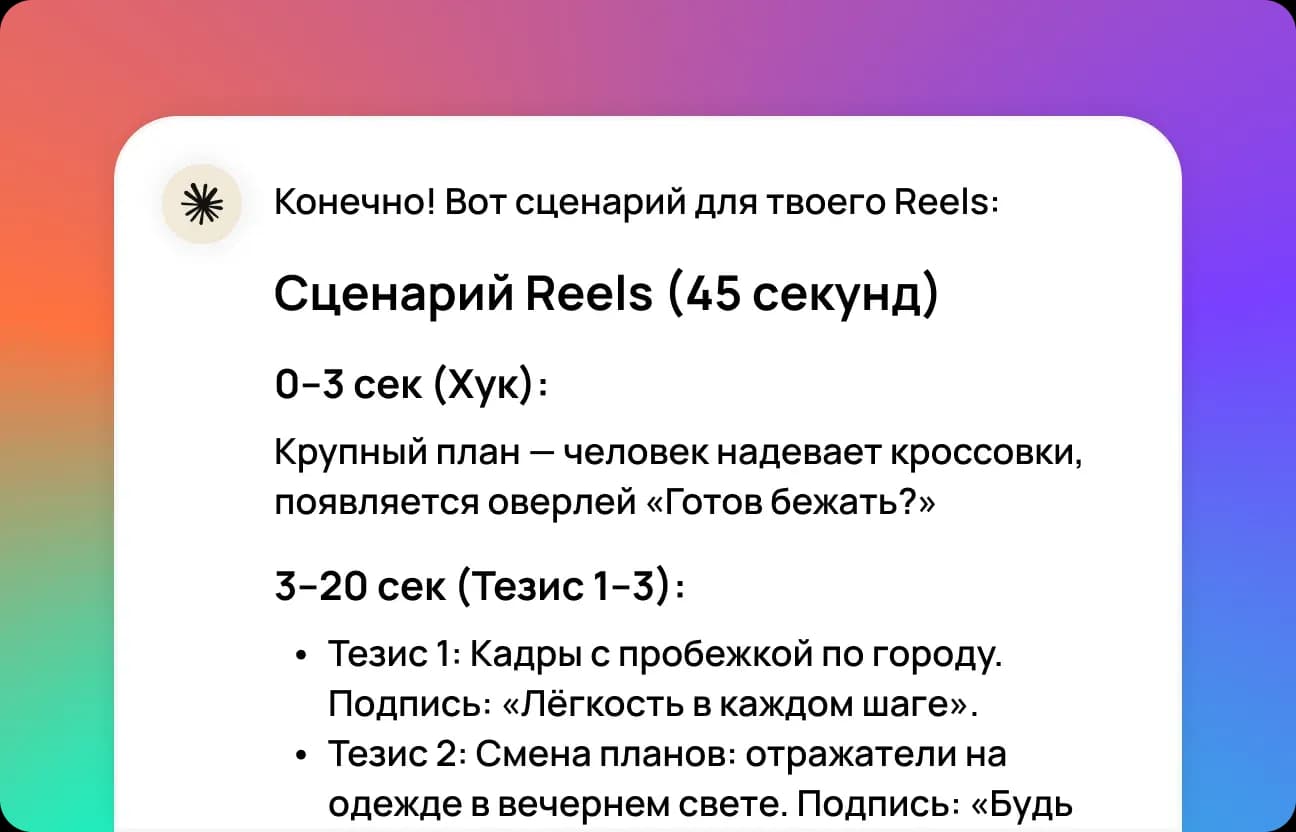
Claude helps quickly come up with an idea and structure for short videos. It suggests a strong opening, builds out the video step by step, and adds timecodes with caption suggestions.

Working with Code
The model helps prepare instructions, function descriptions, README templates, and code comments. It explains confusing snippets, suggests fixes, and points to possible tests.

Business Emails and Messages
Claude helps write an email to a client or colleague. The tone is polite and professional, and the text reads clearly, without unnecessary stiffness.

Describing Processes and Guidelines
The model writes simple, clear instructions. It explains processes without overcomplicated wording - good for authors and developers who value clarity.
How Moleculs.ai works with Claude
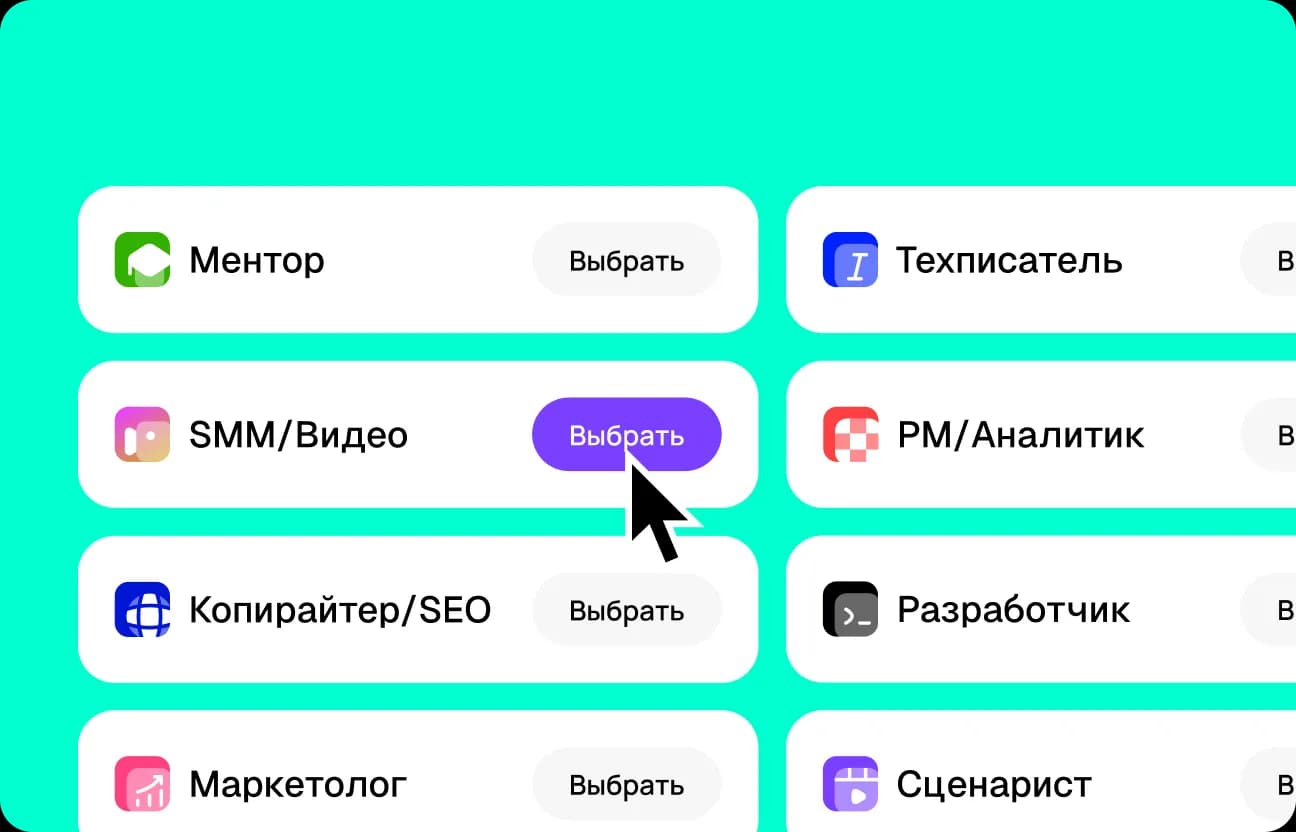
Pick a preset for Claude AI
Start from a ready-made scenario for your task - an article, a summary, a press release, or a video. The preset sets the structure, tone, and format, so Anthropic's Claude immediately shapes the text around your goals.
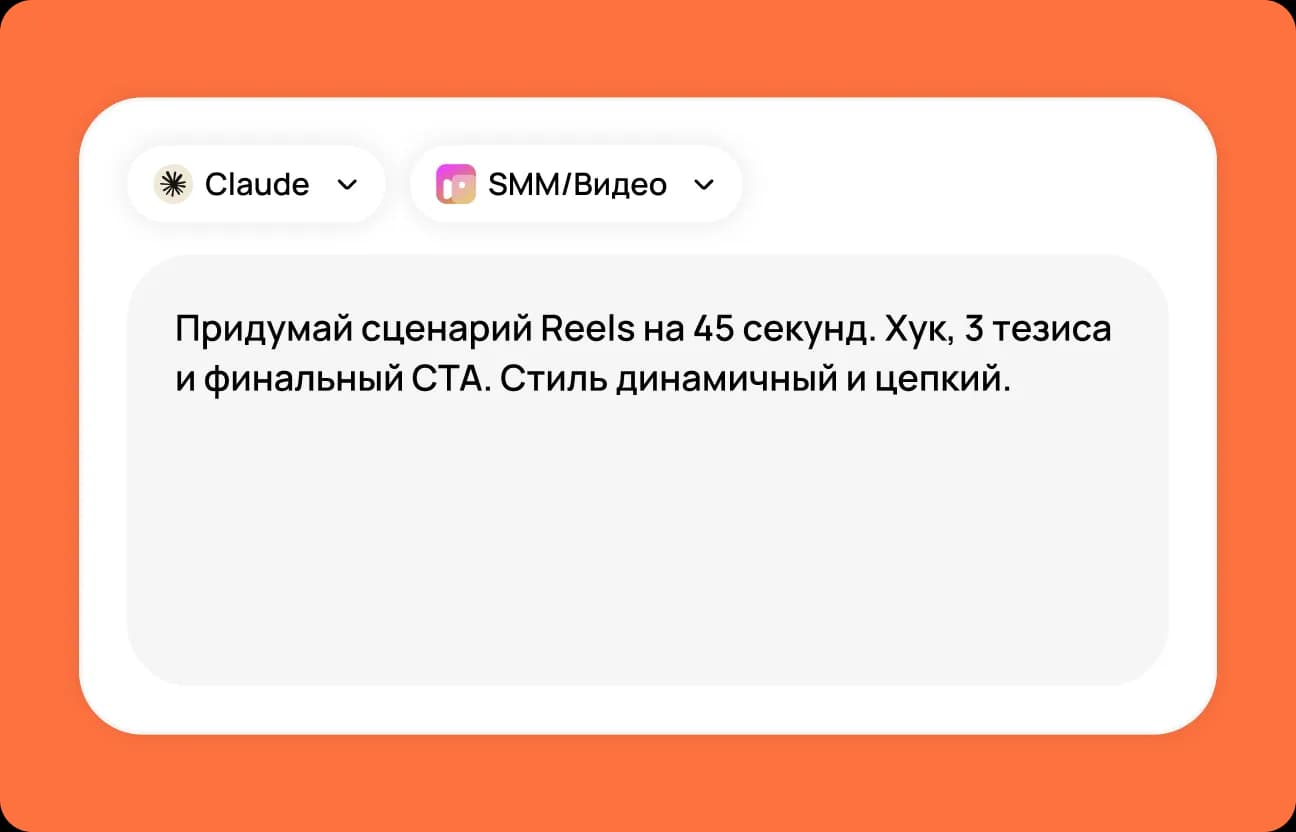
Describe the task for Claude
In one field, specify the topic, audience, and key points. Add any important details or constraints - Claude adapts the style, length, and logic to the context.
 Moleculs.ai
 Other services
User mini-cases


How to write prompts that get better results from Claude
Claude AI delivers the best results when your prompt is clear and intentional. Specify your goal and the desired format — article, email, report, or summary. Add context: who's the audience, what tone and structure do you need? For example, specify whether you want a professional tone, subheadings, key takeaways, or FAQ format. If you include constraints — text length, focus areas, desired outcome — Claude will generate precise, natural-sounding copy. That's how you get the most out of Claude AI on Moleculs.ai.
Example of a bad prompt:
"Make this text better"Example of a good prompt:
"Write a 1,500-word article on 'The Future of Artificial Intelligence.' Include H2/H3 headings, bullet lists, and an FAQ section. Use a professional yet accessible tone. End with a 5-point executive summary."
Why is Moleculs.ai more convenient?
Claude on Moleculs.ai works alongside other models — GPT-5, Gemini, DeepSeek, Qwen, and dozens of tools for text, code, and images. All under one subscription. You can compare responses from different AI models, pick the best one, and use it right away. Everything is fast, reliable, and seamless.
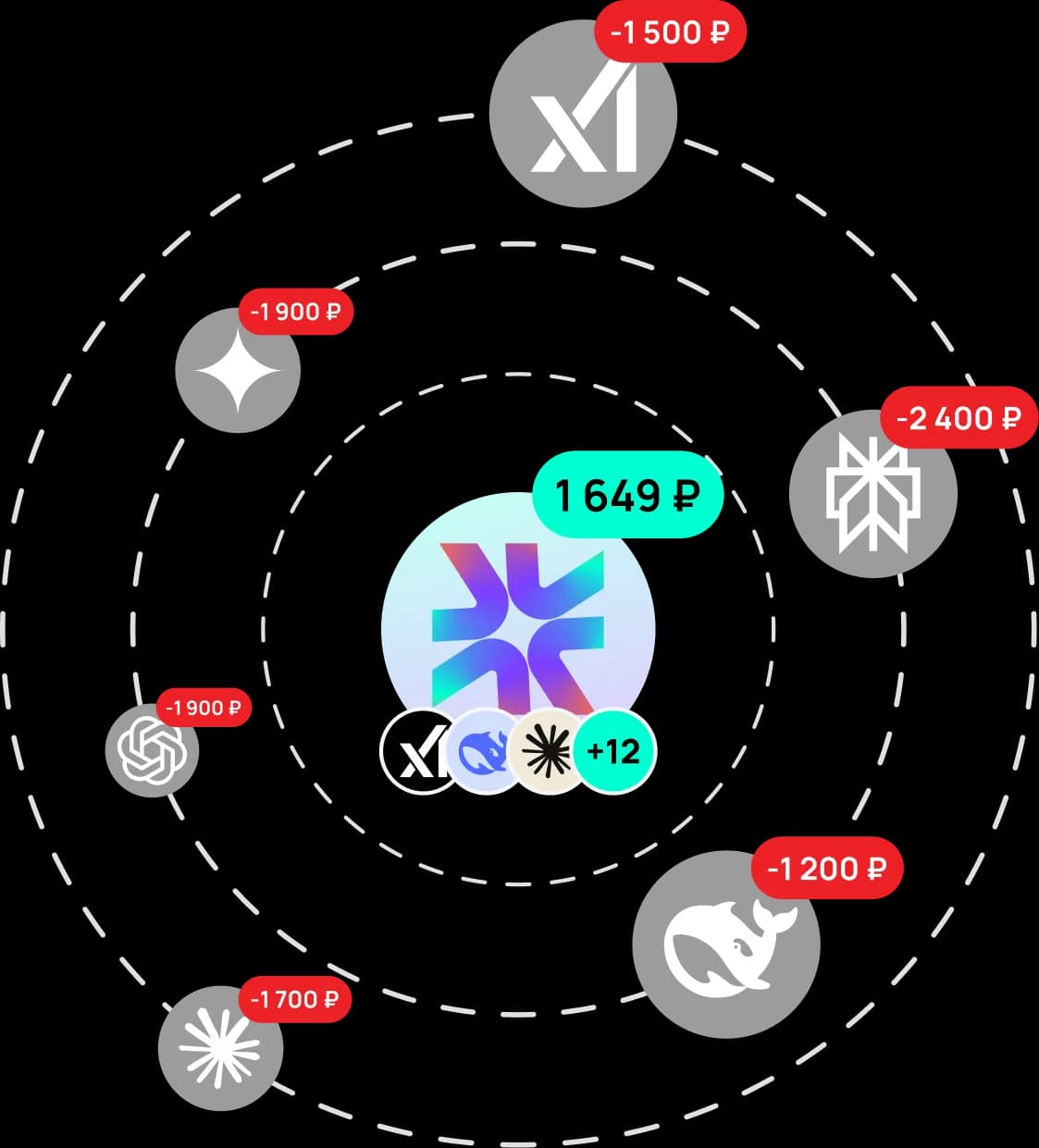
Moleculs.ai is cheaper and faster
One subscription gives you dozens of neural models, transparent limits, and ready-made presets that save time.
The platform helps you scale content, collaborate, and automate routine without extra costs. Faster, simpler, and more cost-effective than assembling tools separately.
Choose a plan for your needs
What our users say
Real reviews from our Telegram community
Answers to questions
It's a family of language models by Anthropic. In practice, it has a strong focus on clarity, structure, and careful text work.

Try Claude right now
Experience Anthropic Claude with a free demo — the model writes copy, analyzes data, and helps with any task. After trying it out, subscribe to Moleculs.ai and use Claude Sonnet and Claude Opus alongside dozens of other AI models — with unlimited switching and full support. Generate for Free
Claude — a powerful AI model for work and everyday tasks
Claude is a powerful and intuitive AI model developed by Anthropic. It helps you tackle a wide range of tasks: writing and editing text, analyzing information, working with code, explaining complex topics, and carrying on natural conversations. What used to take hours of manual work, Claude can do in minutes. On Moleculs.ai, you can use Claude AI with no technical hurdles — just a clean interface and reliable online performance. No .
What is Claude and how does it compare to other AI models
Claude is a next-generation AI model. It doesn't just generate text — it truly understands the meaning behind your prompt. The model was built with a focus on safety, accuracy, and being genuinely useful. Anthropic put special emphasis on how the AI interacts with users. Claude can process large volumes of information, analyze lengthy documents, and produce coherent, logical responses. Unlike many models, it doesn't just repeat memorized phrases. Claude strives to respond naturally, staying relevant and context-aware. Its coding capabilities deserve a special mention. Claude Code is used by developers for analyzing, explaining, and improving code. In practice, this tool becomes a full-fledged assistant for programmers.
How Claude AI works
Using Claude AI is incredibly simple. No installation or setup required. Just open the Claude AI website, type your prompt, and get a response in seconds. Everything runs online, so it's accessible from any device. Claude AI is used by professionals across every field. Copywriters and marketers use it to craft content and brainstorm ideas. Students and educators rely on it for learning and breaking down complex topics. Developers use it as a powerful AI model for coding. Entrepreneurs use it to speed up research and prepare materials.
Full English support and global access
Claude isn't just a translated interface — it's a fully adapted AI experience. The Claude AI model understands nuance, idiomatic expressions, and context, making conversations feel natural and precise. For many users, what matters most is that Claude works reliably and handles real-world tasks. Claude AI lets you write content, analyze data, and communicate without barriers. That's why so many people choose it as their go-to AI tool for both everyday and professional work.
What Claude can do for you
Claude AI is incredibly versatile. People use it for a wide range of tasks: writing articles, emails, reports, and scripts; editing, condensing, and rephrasing text; explaining complex topics in simple terms; analyzing large volumes of information; coding assistance and programming support; brainstorming ideas and organizing thoughts. Claude chat lets you carry on a conversation, clarify details, and revisit previous questions. The model retains context, which is especially valuable when working through complex tasks.
Free access and Claude subscription
Many people wonder whether Claude is available for free. On the Moleculs.ai platform, basic features may be available through a free or demo tier. For advanced capabilities, a Claude subscription is available. Users often look into purchasing a Claude subscription for ongoing use. A subscription unlocks higher limits and additional features, making it ideal for professional use. Getting a Claude AI subscription is quick and easy.
Sign up, log in, and access Claude
Getting started is as simple as signing up on the Moleculs.ai platform. The process is straightforward and requires no technical knowledge. Just visit the website, create an account, and confirm your login. No complex verification, extra forms, or long activation waits. Sign up takes just a moment — even if you've never used an AI service before. Once your account is created, you immediately get access to Claude through the platform interface. The chat opens right in your browser — no software to install, no extra setup. Start right away: ask questions, write content, analyze information, and have a conversation with the AI. On Moleculs.ai, payment is simple and supports all major payment methods, making it easy for individuals, teams, and businesses to get started.
Safety and responsibility
Anthropic places a strong emphasis on safety. Claude AI is built on principles of responsible AI. User data is protected, and the model is designed to avoid potentially harmful or inaccurate responses. For users, this means that Claude — whether free or on a subscription plan — remains a trustworthy tool for working with information. If you need a reliable AI assistant for complex tasks, Claude on the Moleculs.ai platform is a practical and powerful solution. Try Claude AI today, put it to work, and see how much faster and easier it is to get things done with a state-of-the-art AI model.


Claude is a product of Anthropic. Moleculs.ai is an independent aggregator platform providing access to text models and prompts through one interface.