


Gemini
The real Gemini, right in your browser
 Top model: Gemini 3.1 Pro
How can I help?
Ask me anything





 Works right in the browser
 All payment methods
Available models
MOLECULAI
The all-purpose model: describe the task in words and it picks the tool itself - from answering a question to a finished video.
Claude Opus
The strongest in the Claude family. Take it for hard tasks: working through long documents, code, extended reasoning.
Claude Sonnet
A balance of speed and quality. The everyday workhorse: copy, emails, analysis, medium-sized code.
Claude Haiku
The fastest of the Claude models. For short tasks where response speed matters more than depth.
Claude Fable
Anthropic's largest model and the ceiling of what the family can do. Opus came later, costs half as much and beats it on most tasks - people reach for Fable when Opus could not handle an unusual case.
ChatGPT
OpenAI's best-known model. All-purpose: it writes, explains, and helps with code and study.
Gemini
Google's model with a large context window. Strong on long documents, spreadsheets and attachments.
Gemma
Google's compact open model. Fast answers to simple tasks at minimal cost.
Grok
xAI's model with a lively way of answering. Good for conversation and for fresh topics.
DeepSeek
Strong at logic and code. The Pro version reasons more deeply, Flash answers faster.
Kimi
Holds a very long context. Take it when you need to work through a large document in one go.
Qwen
Alibaba's model, strong at multilingual tasks and translation. Thinking mode reasons step by step.
GLM
Zhipu AI's model. Handles long texts and code well; the Flash version is faster and cheaper.
Perplexity Sonar
Searches the web and answers with links to its sources. Deep Research puts together a full review of a topic.
Llama
Meta's open model. An all-purpose assistant for everyday text tasks.
Ready-made prompts
Go through a document
Here is a long text. Summarise it section by section, pull every figure and date into a list, and flag separately the contentious parts and what the document stays silent about.
Solve it with reasoning
Solve the problem and set out the reasoning step by step: where it is easy to slip, what assumption you made, and what changes if you drop it.
Write and explain code
Write a function for my task with comments, add a couple of tests, and explain why you chose that approach.
Rewrite for an audience
Rewrite the text for a different audience - I will say which. Keep the meaning and the facts, change the vocabulary, sentence length and examples.
Play a role
Be an expert in the field I name: ask clarifying questions one at a time and do not give advice until you have the picture.
Examples created by our users
CCalvinAnalyst I keep several models in one window and run the same task through all of them. You can see which one calculates better and which one writes more smoothly - I used to pay for two subscriptions separately.
AAliciaCopywriter I draft in one model and proofread with another: the second catches what the first misses.
TTravisDeveloper I send over a broken piece of code and get not just the fix but an explanation of why it happened. The explanation was more useful than the fix.

When Should You Use Gemini?
When ideas won't come together, the deadline is closing in, and a blank page isn't moving, Gemini steps into the task and helps you reach a result fast. Good for generating text, structuring thoughts, editing wording, and working across different roles inside Moleculs.ai.

Plans and Outlines
Gemini builds publication plans, content categories, and a content calendar. It works confidently with both business-oriented and more creative formats, helping you quickly bring order to your ideas and turn them into a clear structure.

Reworking Long-Form Material
Long drafts get edited to your parameters. You can make the text more restrained while sharpening its commercial angle. Keywords and names are preserved, and the delivery becomes more structured and clear.

Scripting Short-Form Video
Come up with ideas for short videos, work out the opening, structure the video, mark the key beats, and add caption suggestions. A convenient tool for quickly launching video content.

Support for Programming
Generate instructions, function descriptions, README templates, and code comments. The model reviews code snippets, suggests fixes, and possible tests.

Business and Promotional Copy
Quickly produce emails, landing page copy, commercial proposals, and short sales phrasing. Suited to business communication and promotion tasks.

Rewriting and Adaptation
Gemini helps rewrite a text, improve its style, cut its length, and adapt the material to a specific audience and brand tone. Useful for blogs, landing pages, and product cards.
How Moleculs.ai works with Gemini
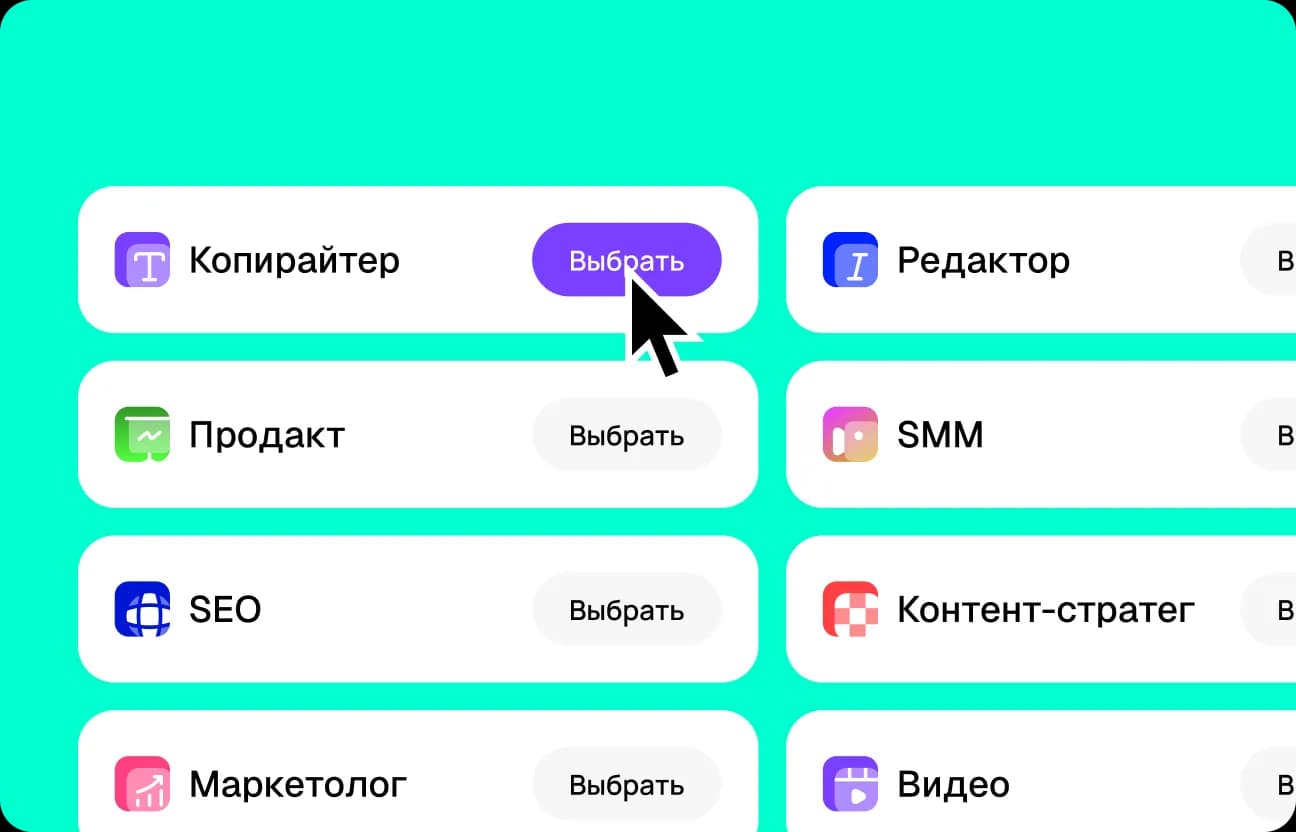
Choose a task for Gemini
Decide on your goal: write an article, prepare a script, describe a landing page, or build an SEO outline. Gemini adapts the format and depth of the result to the task you pick, and you can always change the goal later.
Enter your prompt in Gemini online
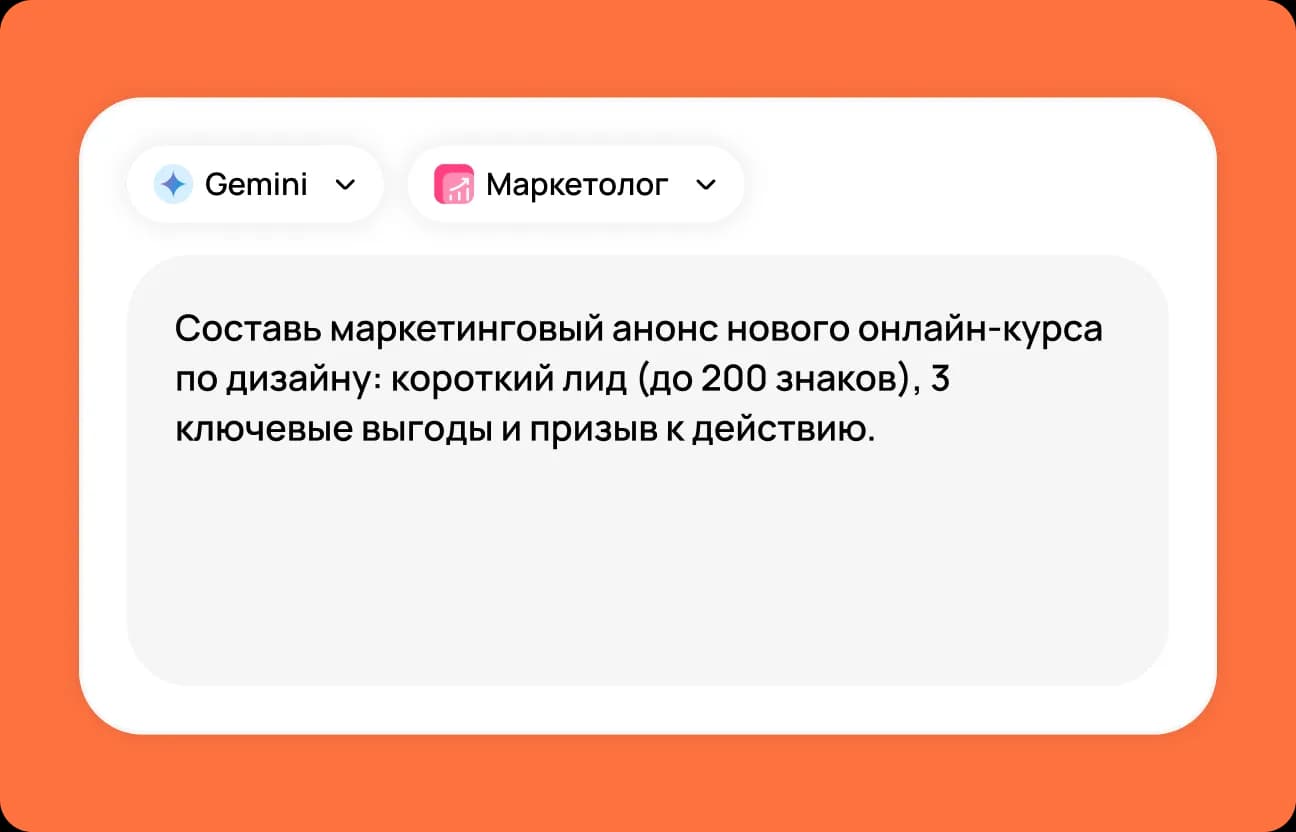
One or two sentences are enough: give the topic, tone, and key points. The text model optimizes the structure for the task on its own and suggests relevant options.
 Moleculs.ai
 Other services
User mini-cases



How to write prompts that get stronger results from Gemini
To get the most accurate and useful results from Gemini, it's important to craft your prompt the right way. Start with a clear goal and format. For example, ask it to write an article, script, or product description. Specify your audience and tone: professional, conversational, or inspirational. Add structure: H2/H3 headings, bullet points, an FAQ section. Set constraints — desired length, no clichés or fluff. Finish with an example or reference: this helps Gemini lock onto the right direction and deliver a better result.
Example of a bad prompt:
"Write a post about AI."Example of a good prompt:
"Write a 1,200–1,500 word blog post for a small business audience: what AI can actually help automate. Keep the tone practical, no hype, with examples for marketing and support. End with a 7-point checklist."
Why is Moleculs.ai more convenient than a standalone Gemini subscription?
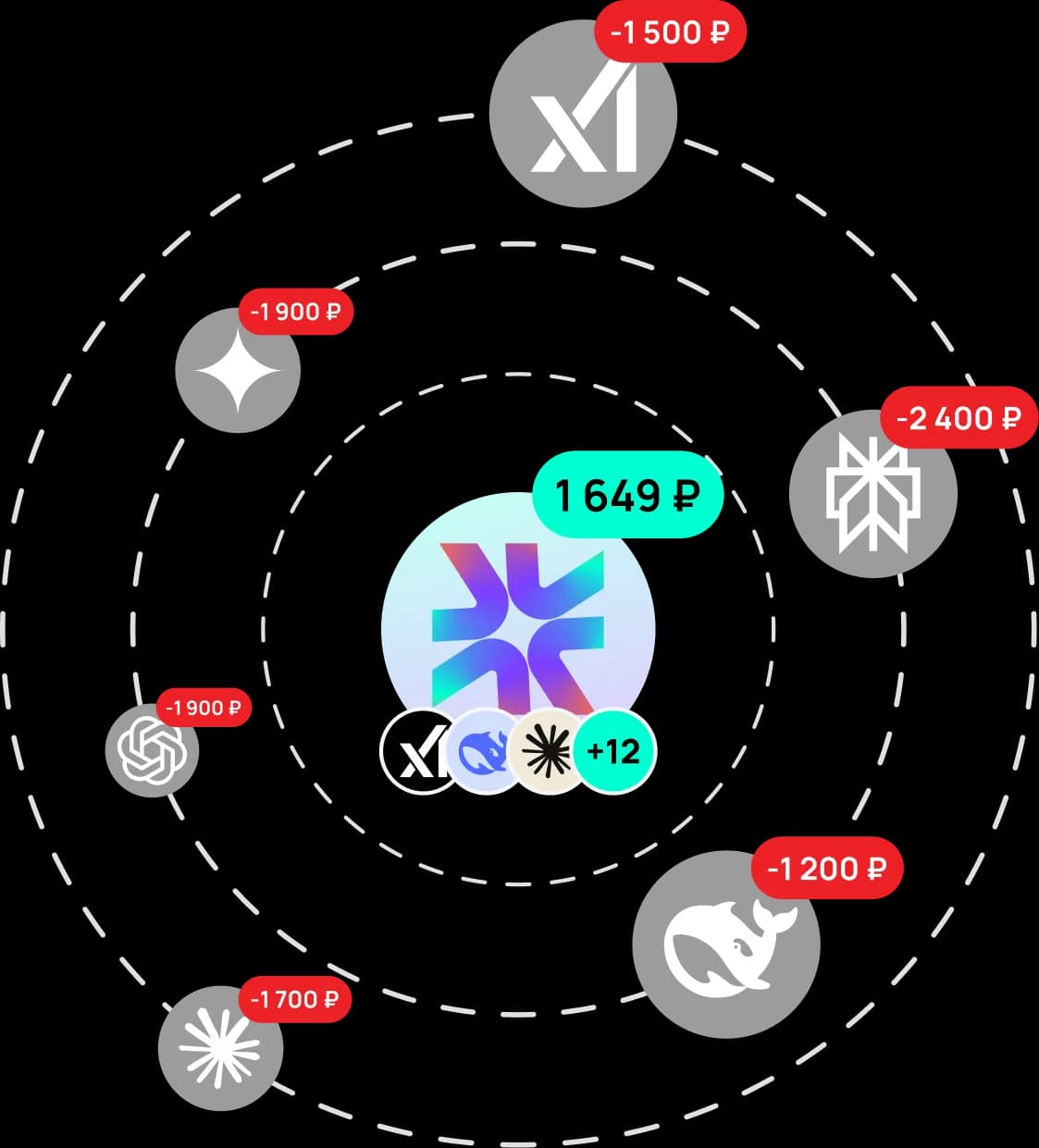
A Gemini-only subscription locks you into one model, while Moleculs.ai gives you instant access to GPT-5, Gemini, Claude, DeepSeek, and dozens of specialized AI models for text, images, video, and voice. With unified tokens and limits, you can freely allocate resources: use Gemini today for articles, summaries, and translations, then switch tomorrow to generating scripts, images, or TTS. Gemini on Moleculs.ai works alongside other models, so you don't need to pay for each one separately or juggle multiple platforms — every task gets done faster and cheaper in one place.
Moleculs.ai is cheaper and faster
One subscription gives you dozens of neural models, transparent limits, and ready-made presets that save time.
The platform helps you scale content, collaborate, and automate routine without extra costs. Faster, simpler, and more cost-effective than assembling tools separately.
Choose a plan for your needs
What our users say
Real reviews from our Telegram community
Answers to questions
Yes. With Moleculs.ai you get Gemini running right away, with no extra setup.

Try Gemini right now
Type your task in one field and get results in seconds. Gemini is available online and ready to go — try the free demo to see the quality of text generation, translation, or scriptwriting for yourself. Then subscribe and unlock not just Gemini for text, but also models for images, video, and voice — all in one dashboard, with no limits on switching. Generate for Free
Gemini — A Smart AI Chat for Communication and Work
If you're looking for a reliable AI service that understands natural language, doesn't get confused by complex phrasing, and handles real-world tasks, Gemini is one of the best options out there. It's an intelligent chat by Google that you can use for work, study, and everyday tasks. On Moleculs.ai, Gemini is available and you can chat with the model directly in your browser. No software installation, complex setup, or technical know-how required. Everything works online and is designed for users who value speed, a clean interface, and accurate responses.
What is Gemini and how does it work
Gemini AI is a cutting-edge artificial intelligence model by Google. It's actually an entire family of solutions under the Gemini brand, gradually replacing Google's previous AI tools. At its core, Gemini is an AI model trained on massive amounts of data. It can understand context, maintain the thread of a conversation, reason through problems, and generate detailed responses. This makes Gemini ideal not just for quick questions, but also for complex scenarios that require logical thinking. Gemini is great for generating and analyzing information. It supports text generation, explaining complex topics, and working with large chunks of data. This makes the model a versatile tool — not just an AI chatbot for casual use.
Why Gemini stands out for everyday users
It's important for users to have an AI service that's well-adapted to their needs and context. Gemini is available in a format that lets you write and receive answers naturally, without having to adjust your language or approach. Moleculs.ai gives you full access to Gemini's capabilities. Gemini understands everyday speech, professional terminology, complex phrasing, and long-form queries. This makes it especially useful for work, learning, and business. This service is a great fit for: students and educators; professionals in IT, marketing, and analytics; entrepreneurs and managers; anyone who needs a smart everyday AI assistant.
How Gemini works in practice
When a user sends a prompt, Gemini analyzes the text, identifies the key idea, considers the conversation context, and generates a relevant response. This allows the Gemini AI Assistant to maintain coherent conversations and respond to follow-up questions. Google Gemini is useful for: writing and editing text; analyzing and organizing information; explaining complex topics in simple terms; translating and adapting content; coding and brainstorming ideas. The Gemini chat format makes working with AI feel natural. It's not a set of commands — it's a conversation you can develop and explore further.
Working with text, images, and multimedia
Gemini AI online handles more than just text prompts. The model supports multi-type data analysis and is suited for tasks involving images, video, and audio. This makes the AI useful not only as a chat tool but also as a powerful content creation and analysis platform. For text tasks, Gemini helps you write, edit, and analyze content. It can organize information, find logical connections, simplify complex language, and adapt text to any format. This approach is ideal for studying, working with documents, and preparing materials for publication. Another key capability is working with visual content. AI-powered image text analysis recognizes captions, diagrams, and text fragments in images and explains them in words. This is invaluable for presentations, scanned documents, educational materials, and visual information sources. It also supports image generation and responses based on complex inputs combining text and visual elements. The AI can interpret an image, describe its content, and help brainstorm ideas for visual projects. Multimedia capabilities make Gemini a versatile assistant. It's built not only for standard conversations but also for creative and analytical tasks where combining text, images, and other data formats in a single workflow matters.
Free access and Gemini versions
A free version of Gemini is available to get you started at no cost. Different versions of Gemini offer varying feature sets and capabilities. The right Gemini version depends on your needs. For conversation and text tasks, basic access is sufficient. For advanced features, a subscription unlocks additional AI tools.
Gemini on Moleculs.ai — , no complicated setup
On the Moleculs.ai platform, Gemini is available directly — . You don't need third-party services, region changes, proxy configurations, or network workarounds. Just visit the site and start chatting with AI instantly. Everything is designed so Gemini works as simply as any standard online service. No additional software, browser extensions, or special apps required. All you need is a standard browser and a stable internet connection. Direct access is especially important for those who use Gemini for work or study. The connection stays stable, responses arrive without delays, and conversations don't drop at the worst moment. This makes the service ideal for long prompts, text analysis, and complex tasks where focus matters — not fighting technical limitations. Access to Gemini is completely straightforward. You don't waste time searching for instructions on how to launch the service or bypass restrictions. Instead, you can immediately focus on working with text, ideas, information analysis, and chatting with the AI.
Sign up, log in, and get started
To get started, simply open the Gemini page on the Moleculs.ai platform. Registration is intuitive and takes just a moment. No special knowledge or technical skills required — just enter your basic info and confirm your login. After signing up, you'll access your personal dashboard. The Gemini AI Assistant and all essential tools for work and communication are immediately available. The interface is clean and intuitive — nothing unnecessary. You can start chatting with the AI and asking questions right away. Logging in is done through your browser with no software or app installation needed. This is convenient if you work across multiple devices or prefer not to clutter your computer with extra software. All data is saved to your account, so your conversation history and settings are always available when you log in.
Payment and subscription
For users who need advanced features, a subscription is available. Payment is processed securely under the terms of use, and the Google Gemini subscription activates after payment confirmation. This gives you access to additional features, higher limits, and advanced analysis tools. Looking for a smart AI assistant that truly gets the job done? Try Gemini on the Moleculs.ai platform. Open a chat, ask your first question, and see how easy it is to tackle any task with Gemini today.


Disclaimer. Gemini is a trademark of Google. Moleculs.ai is an independent aggregator platform. We provide users with optimized prompts, a unified interface, flexible payment options, and access to Gemini and other AI models — all in one place.