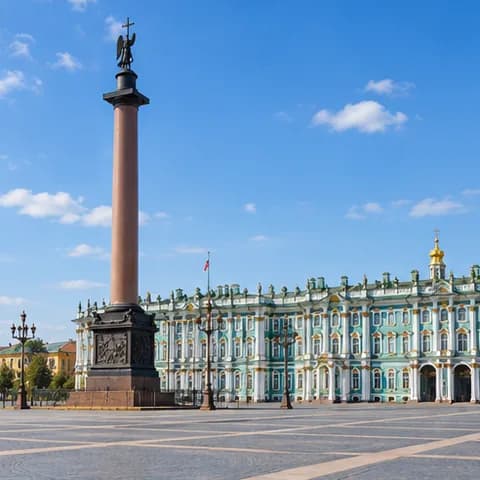
Remove the people in the background of the attached photo and replace the sky with a clear blue one
Blurred background
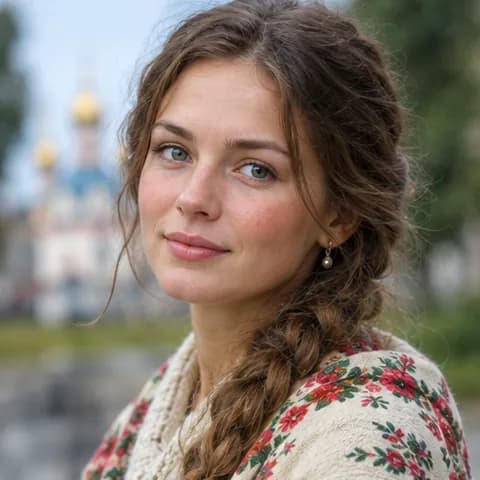
Blur the background of the attached photo like a portrait lens, keep the face as it is
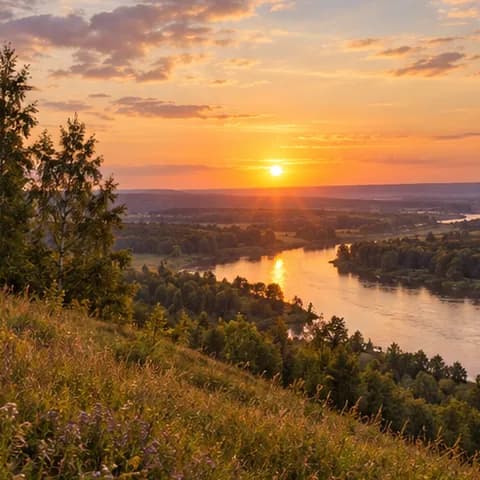
Warm sunset color
Shift the colors of the attached photo to a warm sunset tone, add a soft glow
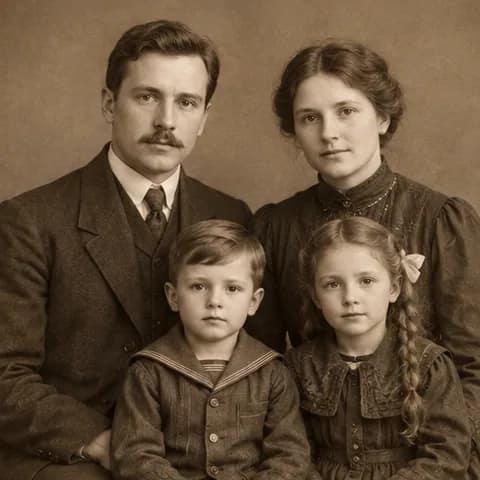
Restore an old photo
Restore the attached old photo: remove scratches, increase sharpness, keep the faces
Colorize black and white
Colorize the attached black and white photo with natural colors
Studio background
Replace the background of the attached photo with a light studio one, keep the light on the face
Remove a caption
Remove the caption and the watermark from the attached photo, fill in the background
Increase sharpness
Increase the sharpness of the attached photo, remove noise, keep natural skin
Straighten the horizon and light
Straighten the horizon and balance the light in the attached photo, add air to the sky
74+ models in one place
Works right in the browser
All payment methods
Ready-made prompts
Remove people from the background
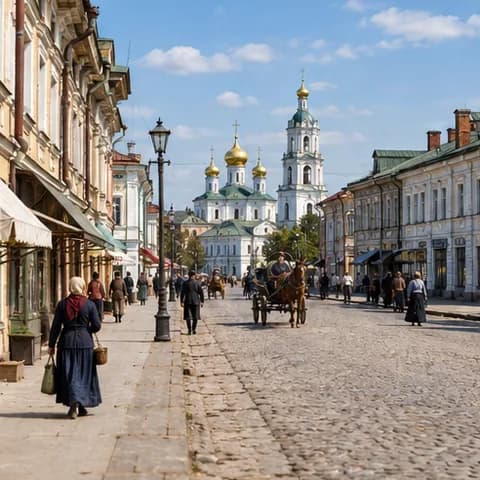
Remove the people in the background of the attached photo and replace the sky with a clear blue one
Blurred background
Blur the background of the attached photo like a portrait lens, keep the face as it is
Warm sunset color
Shift the colors of the attached photo to a warm sunset tone, add a soft glow
Restore an old photo
Restore the attached old photo: remove scratches, increase sharpness, keep the faces
Colorize black and white
Colorize the attached black and white photo with natural colors
Studio background
Replace the background of the attached photo with a light studio one, keep the light on the face
Remove a caption
Remove the caption and the watermark from the attached photo, fill in the background
Increase sharpness
Increase the sharpness of the attached photo, remove noise, keep natural skin
Straighten the horizon and light
Straighten the horizon and balance the light in the attached photo, add air to the sky
Examples created by our users
Why Moleculs.ai
A straightforward way to work with AI
One subscription, one payment
One balance for every model - no separate plan for each service
Works right in the browser
Nothing to install or configure - open a tab and start
Every AI model in one place
Text, images, video, and music - all under one subscription
Clear, simple interface
Plain wording throughout the product - no guesswork
Quick start
Sign up in a minute, no complicated setup - straight to work
No access restrictions
Services aren't blocked and are available anytime
What kind of editing can you do with prompts?
Prompts describe the editing style — from light retouching to a full stylistic makeover.
Color Grading
Warm tones, cool shadows, cinematic grading - mood through color.
Retouching
Skin smoothing, flaw removal, tone evening.
Stylization
Turning a photo into a painting, watercolor or pop art.
Filters
Film grain, Polaroid, cross-process - vintage effects.
HDR and Contrast
High dynamic range - rich, detailed photos.
Background Blur
Bokeh, tilt-shift - making the subject pop against the background.
All of it right in one window. Pick a task, write a short prompt, and get a draft you can quickly shape into your own.
How to edit a photo with a prompt
Step 01
Pick an effect
Color, style, retouching, tinting - what you want to change.
Step 02
Copy the prompt
A description of the desired processing, with details.
Step 03
Upload the photo
Add your source image.
Step 04
Get the result
The AI applies the processing and returns the finished shot.
What our users say
Real reviews from our Telegram community
Why choose Moleculs.ai
A single access point to models from different developers
Moleculs.ai
Other services
All top models in one subscription
Works right in the browser
Professional roles and presets
Free trial period
User support
Projects for task-based work
Beta
Response language setting
with Moleculs.ai it's faster and more cost-effective
with Moleculs.ai you get dozens of models in one subscription, clear limits, and ready-made presets that save time. The tool helps you scale content, work as a team, and automate routine tasks without extra costs. All of it faster, simpler, and cheaper than piecing together separate solutions.
Choose a plan for your needs
Answers to questions
A prompt is a text instruction for the AI that determines what it generates and how. The more precise and detailed the prompt, the better the result. Moleculai has a library of ready-made prompts for different tasks: text, images, code, marketing, study. Use the ready templates or create your own. A good prompt saves time and gets a result on the first try.
Try Moleculs.ai right now
Describe your task in a single field - get a finished result in minutes. Moleculs.ai brings together the best AI models for text, images, video, and voice in one interface. Start with a free generation, then upgrade to a subscription for a larger token limit: create text, scale your content, and switch between models without extra tools.









 Works right in the browser
 All payment methods


