
Is Seedance Free or Paid? CapCut, Free Credits and Paid Access
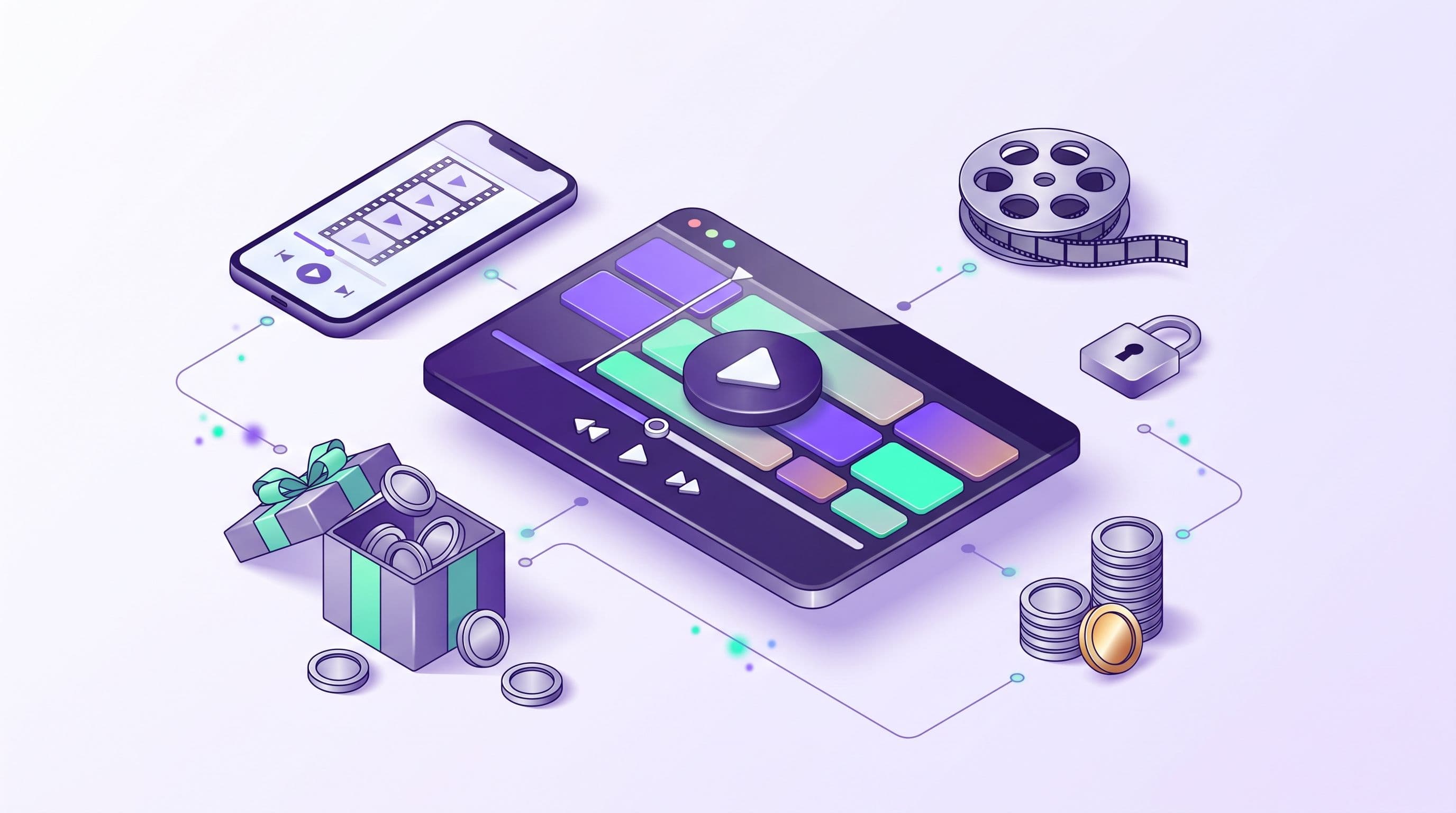
Seedance isn't free beyond a trial. ByteDance's video model runs on credits or a subscription wherever you use it. Free access usually means a small allowance: a few trial clips, daily credits inside an app, or a starter balance on a third-party service. That's enough to try it, but not to work with it.
The practical question is how far the free allowance goes and what you pay after it runs out. Below: the free routes through ByteDance's apps, what makes video expensive, how the Seedance versions differ, and how to run them on Moleculs. To go straight to the model, open the Seedance 2.0 page.
Short answer: Seedance is paid, with limited free access in some places
You can try Seedance for free in three ways:
- ByteDance's consumer apps. Video tools inside ByteDance products sometimes come with trial generations or daily credits.
- Promotions. New accounts on various platforms sometimes get a starter balance.
- Free plans on aggregators. A small credit balance you can spend on models in the catalogue.
Each route caps clip length, resolution, number of runs, or all three. If a service advertises unlimited free generation, check what resolution and duration you actually get.
Who makes Seedance and where you can use it
Seedance is built by ByteDance's Seed research team. ByteDance also makes TikTok and CapCut. You can reach the model in three ways:
- ByteDance's creative apps, such as CapCut and Dreamina. Seedance-based features show up there, but which ones you get depends on the app and your region.
- ByteDance's cloud platform for developers. It needs technical setup, and pricing is set by the platform.
- Aggregators, which give you access through their own interface alongside other models.
These routes don't always give identical results. Each service has its own wrapper: default settings, length caps and post-processing vary, so the same prompt can come out slightly differently.
Is Seedance free in CapCut? What the free route usually looks like
CapCut has added ByteDance's AI video features, and some come with a small free allowance. Expect a limited number of short clips, sometimes at lower resolution or with a watermark. Longer clips and higher resolutions usually need a paid CapCut plan.
Terms change often and differ by region. Before you build a workflow on it, check five things in the app:
- Cost per clip. How many credits one generation uses.
- Free-tier ceiling. The maximum duration and resolution without paying.
- Watermark. Whether free exports carry one.
- Commercial use. Whether the terms allow the clips in client or paid work.
- Refresh cycle. Whether free credits reset daily, monthly, or never.
If you can't find an answer to any of these, treat the free route as a demo.
Why video models are rarely free: what drives the cost
A text answer is a short string of words. A video clip is dozens of frames per second, and each frame has to stay consistent with the ones before it. That takes a lot of GPU time, and someone pays for it.
Four things push the price of a run up:
- Duration. Longer clips take more compute.
- Resolution. 1080p has 2.25 times as many pixels as 720p.
- Audio. Generating sound alongside the picture adds another task.
- References. Extra images or clips the model has to follow add to the work.
Mistakes cost the most. A failed take costs the same as a good one. If the camera drifts the wrong way or a hand melts into a cup, you pay full price for a clip you'll throw away. Fewer retakes save more than a cheaper model does.
Seedance versions compared: 2.5, 2.0, 2.0 Mini and v1 Lite
These are separate models with different capabilities, not settings on one model:
- Seedance 2.5. Clips up to 30 seconds with sound, and close adherence to references. Use it for the final version of a longer scene.
- Seedance 2.0. Text-to-video, image-to-video and multimodal references in one model. A general-purpose choice.
- Seedance 2.0 (image-to-video). Your image becomes the first frame. Use it when the composition has to match a still exactly.
- Seedance 2.0 Mini. A fast, cheaper version for text-to-video and image-to-video, also with multimodal references. Use it for drafts and for testing prompts.
- Seedance v1 Lite (image-to-video). Image-to-video only, at 480p, 720p or 1080p, in 5- or 10-second clips. Use it for cheap tests of motion from a still.
Each version has its own cost per run. Look it up in the model catalogue with credit costs before you plan a batch.
How to run Seedance on Moleculs: step by step
Use this route if you want to try several versions without signing up for ByteDance's apps one by one. The steps below aim for one usable 5-second clip in as few takes as possible.
Step 1. Draft the prompt with a cheap text model
Don't write the video prompt straight into the video model. Draft it first in Qwen 3.8 Flash, which costs 1 credit per run:
Role: you write prompts for an AI video model.
Task: turn my idea into a single-shot video prompt using the template below.
Format: fill every line, one short phrase per line, no extra commentary.
Constraints: one camera move only, one main subject, no on-screen text.
Idea: a paper boat in the rain in a city at night.Step 2. Fill the shot template
The text model should return this template. You can also fill it in yourself:
Shot: [length], [shot type], [camera angle]
Subject: [who or what], [one key action]
Setting: [place], [time of day], [weather]
Camera: [one move: slow push-in / pan left / static]
Light and mood: [light source], [colour palette]
Avoid: [text, extra people, fast cuts]A filled example:
Shot: 5 seconds, close-up, low angle at water level
Subject: a white paper boat drifting slowly along the gutter
Setting: city street, dusk, steady light rain
Camera: slow push-in toward the boat
Light and mood: neon signs reflected in the water, purple and teal
Avoid: people, cars in frame, text, cutsStep 3. Test cheaply, then render the final version
- Find a Seedance version in the catalogue and check what one run costs.
- Do your first take on Seedance 2.0 Mini at the shortest duration. If you're starting from a still, use v1 Lite at 480p or 720p.
- Check the result against four questions. Does the subject keep its shape? Is there exactly one camera move? Does it go the right direction? Do the edges hold without warping?
- Change one line of the template per take. If you change three at once, you won't know which one fixed the problem.
- Once the draft passes all four checks, run the same prompt on Seedance 2.0. Use 2.5 if you need sound or a longer clip.
You can run the paper boat prompt as is and compare it with your own version.
Video prompts usually fail in three ways: two camera moves in one prompt, more than one main subject, and readable text on signs. Leave all three out.
Is Qwen free or paid? Open models vs hosted access
Both. Alibaba publishes open weights for Qwen models in several sizes. Downloading them costs nothing, but you pay for the hardware: small models can run on a consumer GPU, large ones need server-class memory. Alibaba also offers its own chat app, so check there for current free access.
Hosted access, where someone else runs the model, is paid per request. On Moleculs, Qwen 3.8 Flash costs 1 credit per run and accepts images, video, audio and files. Qwen 3.8 Max costs 7 credits and uses extended reasoning. Use Flash for drafts and routine questions, and Max for multi-step problems where Flash loses track.
Other open models follow the same pattern. See how free access works for Kimi.
How to stretch a free tier before you pay
The free plan on Moleculs has 5 credits. That covers five drafts on a 1-credit text model. A video run costs more, so check the Seedance price before you assume one fits. To make any free balance last:
- Prompts first, video second. Debug the wording on a 1-credit text model, then spend video credits on a finished prompt.
- Start from an image. A fixed first frame cuts retakes caused by unexpected composition.
- Shortest clip, lowest resolution. Do the first take at minimum settings and raise them for the final render.
- Keep a log. Write down the prompt, the version and the result of every take, so you don't pay twice for the same mistake.
None of this helps if you need dozens of clips a week: a free allowance won't last past the first session. If you mainly need text models, see free alternatives to ChatGPT, Gemini and Grok.
Which option fits you: a quick decision table
| Your situation | Option | Watch out for |
|---|---|---|
| Want to see Seedance once | Free allowance in a ByteDance app | Watermark, short clips, region limits |
| Edit in CapCut anyway | Paid CapCut plan | Terms for commercial use |
| Comparing Seedance versions | Aggregator, starting with 2.0 Mini or v1 Lite | Cost per run differs by version |
| Need 20-30 second clips with sound | Seedance 2.5 | A failed long take costs more |
| Need Qwen for text, have a GPU | Open weights, run locally | Large models need server-class memory |
| Need Qwen without setup | Hosted Qwen 3.8 Flash or Max | 1 vs 7 credits per run |
The smallest paid plan on Moleculs includes 1,000 credits a month. To estimate how many clips that gives you, multiply the per-run price from the catalogue by the number of takes you usually need per finished clip. Current plans are on the pricing page.
Frequently asked questions
Related articles
 Model guides
Is Kimi Free to Use? What You Get for Free and Where Limits Start
Kimi, Claude and ChatGPT all have free options, but each one limits you differently. See what is free, what isn't, and how to try Kimi K3 on a few credits.
 Model guides
Free ChatGPT, Gemini and Grok Alternatives: What Actually Works
Which free AI chatbots can replace ChatGPT, Gemini or Grok, what their free plans skip, and how to test several models before you pay for one.
Corporate access to AI models
Invoice for legal entities, centralised payment, priority support
- Access to ChatGPT, Gemini, Grok, Claude and DeepSeek
- Prompt library and shared access inside the team