
What Can Kimi AI Do? A Practical Guide to Moonshot AI's Models

Kimi is a family of text models from Moonshot AI. It reads, reasons and writes. Two of its versions can also look at images you send and answer questions about them. It doesn't draw pictures or make video. For that, you need a different kind of model.
This guide covers three versions: Kimi K3, K2.6 and K2 Thinking. It explains which tasks each one handles, where they fall short, and how to write a first prompt you can check. If you'd rather test as you read, try Kimi online with any template below.
Kimi in plain terms: who makes it and what kind of model it is
Kimi is Moonshot AI's line of large language models. You send text, and with some versions images, and you get text back. K2 Thinking is built for long, multi-step reasoning.
Moleculs gives you access to Kimi, but doesn't make it. Settings and tooling can differ from Moonshot's own app, so answers may not match the vendor's version exactly. If you're new to this setup, here's how an AI aggregator works.
Kimi K3, K2.6 and K2 Thinking: which one to pick
| Model | Input | Strengths | Credits per run |
|---|---|---|---|
| Kimi K3 | Text, up to 10 images | Flagship multimodal reasoning, 1M-token context | 15 |
| Kimi K2.6 | Text, up to 10 images | Long-context work at a lower cost | 4 |
| Kimi K2 Thinking | Text only | Multi-step, long-horizon reasoning | 3 |
The current cost appears next to each model. None of the three accepts file attachments.
Here's how to choose:
- Start with K2.6. One K3 run costs about as much as four K2.6 runs.
- Move to K3 if K2.6 misses details in a very long input, or if the task mixes images with hard reasoning.
- Use K2 Thinking for text-only problems with several steps or constraints.
A failed K3 attempt costs 15 credits, so test your prompt on K2.6 first.
Long documents and long conversations: where Kimi's context window helps
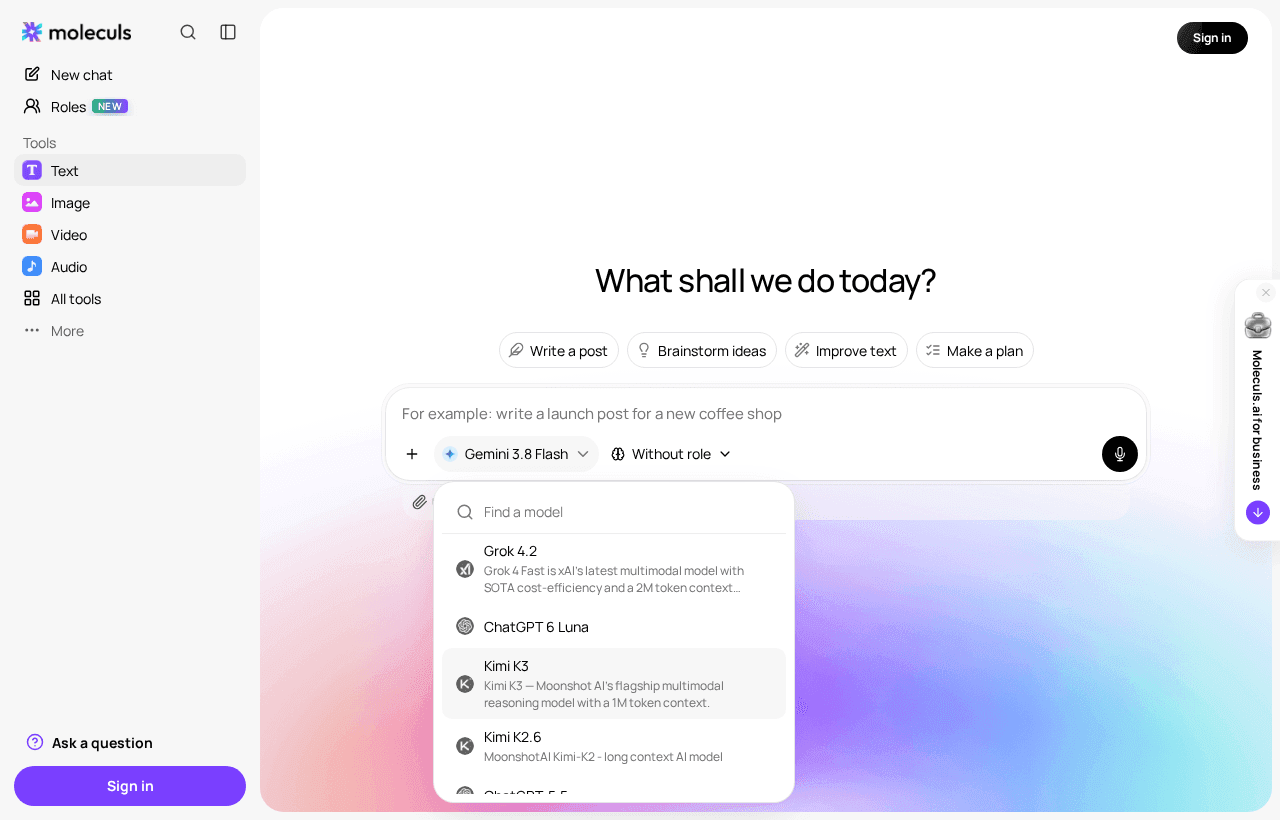
K3's 1M-token context fits several long books. As a rule of thumb, a token is about three quarters of an English word. K2.6 also handles long inputs, at roughly a quarter of the price. Kimi doesn't take file attachments, so copy the text and paste it into the chat.
A long context doesn't mean perfect recall. Models are most likely to miss details buried in the middle of a long input. Ask for quotes so you can check:
Below is a contract, sections marked [S1], [S2] and so on.
---
[paste text]
---
Question: what are the termination conditions?
Quote each relevant clause with its section number, then summarise in 3 bullets.If a quote doesn't appear in your source, the answer is unreliable. Ask again, this time with only that part of the document.
Step-by-step reasoning and multi-step tasks with K2 Thinking
K2 Thinking works through a problem before answering. It suits schedules with constraints, comparing options against criteria, logic puzzles and tracing why a process fails.
Make it state its assumptions up front, then check the plan against your constraints:
Task: schedule 6 interviews across Tuesday and Wednesday.
Constraints:
- 45 minutes each, 15-minute gap
- no slots before 10:00 or after 17:00
- candidates A and B can only do Wednesday
First list your assumptions. Then give the schedule.
Then check every constraint and mark it OK or FAIL.The check is in the last line. If any constraint comes back FAIL, or the model skips one, paste back the line that failed and ask for a fix. Don't restart from scratch. K2 Thinking can't see images, so for a chart or screenshot use K2.6 or K3.
Images as input: screenshots, charts and photos you can ask Kimi about
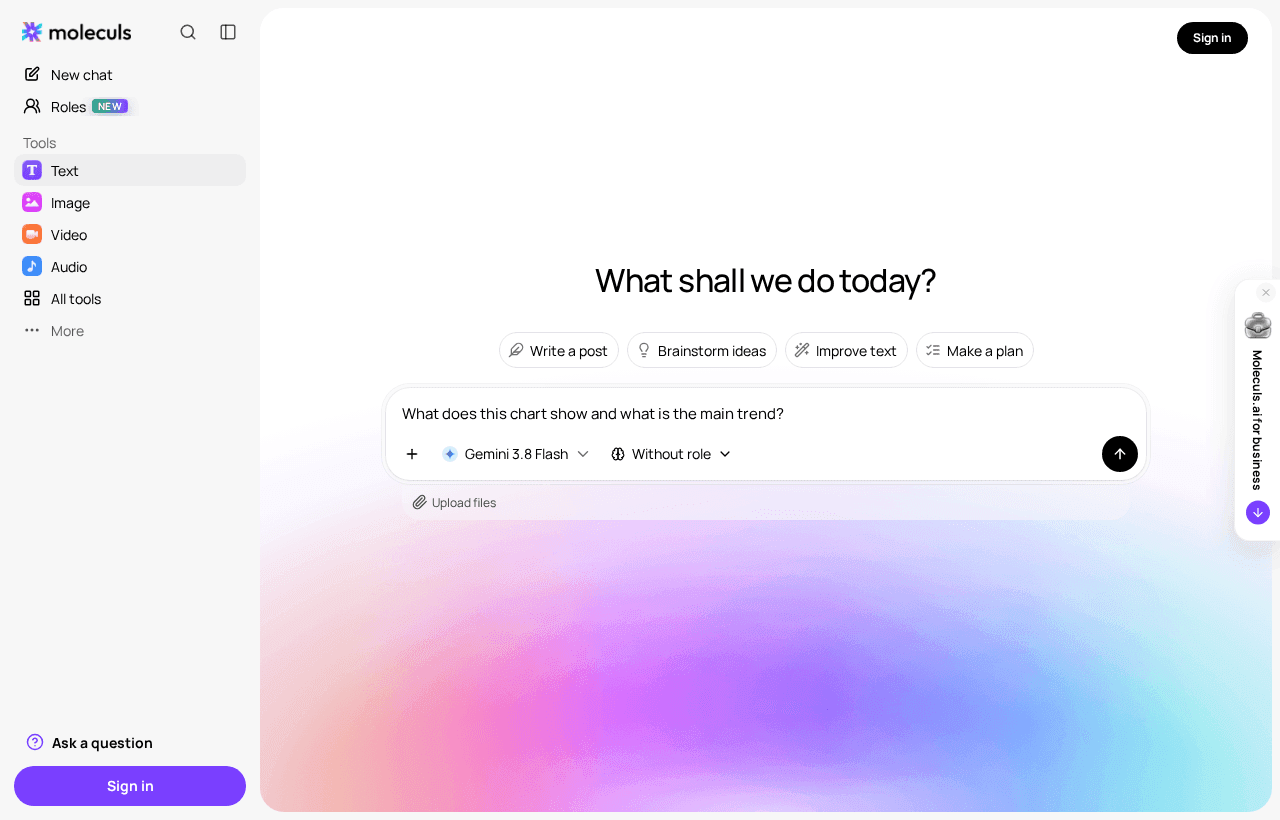
K3 and K2.6 accept up to 10 images per request. Good inputs include an error message on screen, a chart from a report, a whiteboard photo or a receipt.
Three habits that cut errors:
- Crop to the part that matters. A full-screen capture makes the model guess what you mean.
- Ask for a transcription first ("list every label and value you can read"), then the interpretation. A misread number shows up in step one.
- Check figures against the source. Small text and dense tables are where image reading goes wrong.
Everyday text work: drafting, editing, summarising and explaining code
For routine writing, K2.6 is the sensible default. Use it for first drafts of emails, tightening a paragraph, turning meeting notes into action items and explaining unfamiliar code. The same jobs work with any AI text generator. Kimi is one option among them.
For edits, stop the model from rewriting your meaning:
Edit for clarity and length. Keep my meaning and tone.
Cut at least 20%. After the text, list every change you made.For code, paste the function and ask: "Explain what this does line by line, then list inputs that would break it." Run those inputs yourself. Explanations of code can sound right while being wrong.
What Kimi can't do: it won't generate images or video, and where Midjourney fits
Kimi can't create images, video or audio. K3 and K2.6 can describe a picture, but they can't produce one. A typical slip: you ask a text model to "draw a logo" and get a written description back.
Midjourney is an image generator. It turns a description into artwork, costs 21 credits per run and takes up to 5 reference images. Nano Banana is a cheaper option at 8 credits. You can combine the two kinds of model: ask Kimi to write a detailed visual brief, then paste it into an image model to generate images with AI.
If you need to work with PDFs or other files, choose a model that accepts them, such as Claude or Gemini. You'll find them in the full model catalogue.
How to try Kimi in Moleculs: numbered steps from first prompt to follow-up
- Check your budget. The free plan has 5 credits. That covers one K2.6 or K2 Thinking run, but not K3. A guest can send one request without signing up and get a reply from a text model. After that, you'll need an account.
- Pick Kimi K2.6 for your first run. It's cheap enough to try a few times.
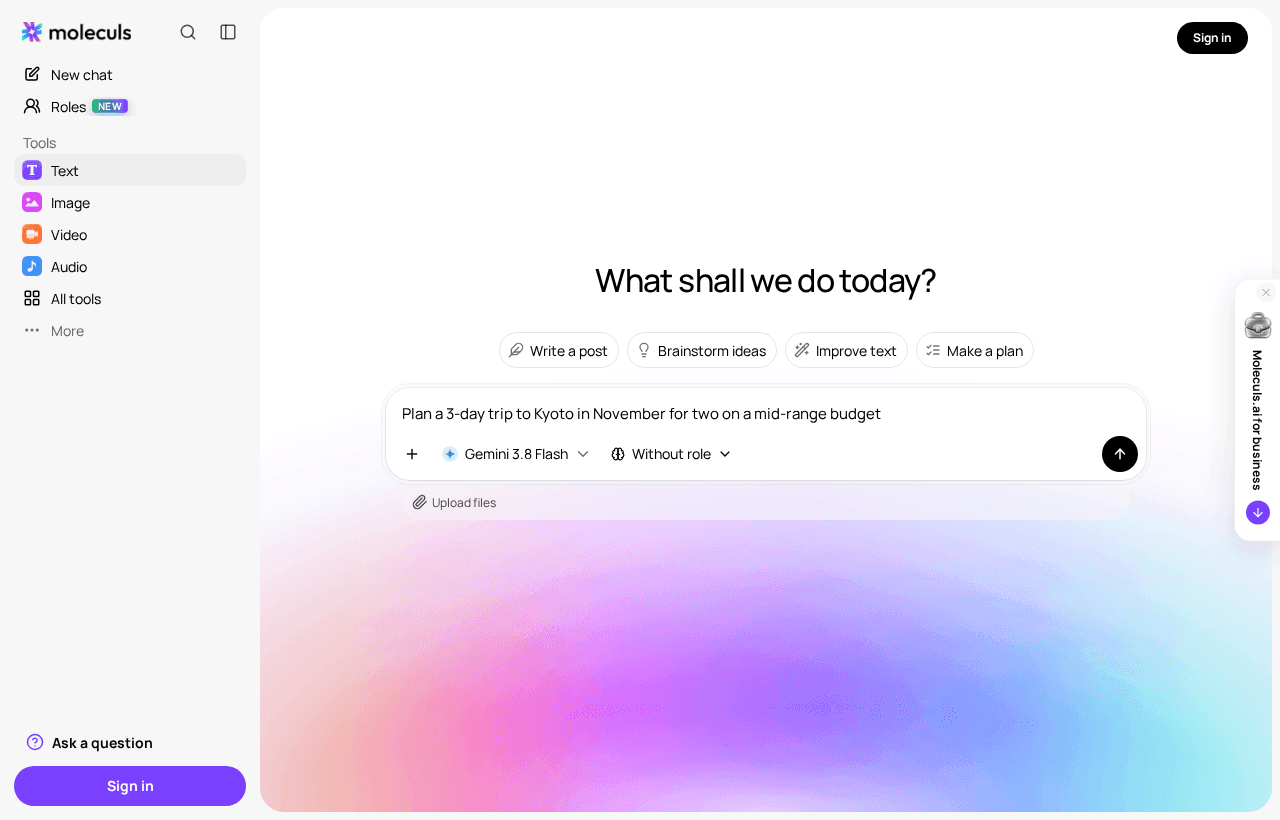
- Send a task you can check. Run this Kyoto trip prompt. It asks for a schedule, travel times and backups.
- Check the answer against the request. Does it cover three days? Does every day have a rainy-day backup? Are the travel times between stops listed?
- Follow up in the same conversation. Point at the gap: "Day 2 has no travel times. Add them and keep everything else the same."
- Switch to K3 only if two follow-ups haven't fixed the problem.
Prompts that get better answers from Kimi
Weak answers usually come from prompts that leave out who the answer is for, what shape it should take or what to avoid. Use this skeleton:
Role: you are [who answers, e.g. a travel planner who knows Japan]
Task: [one sentence, a verb first]
Context: [facts the model can't guess: dates, budget, audience]
Format: [table / numbered list / length limit]
Constraints: [what to avoid, what must be included]Here it is filled in:
Role: you are a travel planner who knows Kyoto well.
Task: plan 3 days in Kyoto for two people in mid-November.
Context: mid-range budget, first visit, we walk a lot but not before 8:00.
Format: a table per day with time, place, travel time to the next stop.
Constraints: no more than 5 stops a day; one indoor backup per day;
mark anything that needs advance booking.Check the result line by line. Each constraint should show up somewhere in the answer. If one is missing, quote it back. Don't rewrite the whole prompt.
Frequently asked questions
Related articles
How to Generate Video with AI: A Step-by-Step Guide
A practical walkthrough of AI video generation: scene setup, prompt structure, image-to-video, camera control, sound, upscaling and the mistakes that ruin a clip.
 AI explained
What Is an AI Aggregator and When Do You Actually Need One?
How an AI aggregator gives you text, image, video and audio models in one subscription, what it can't do, and a simple test to see if you need one.
 AI explained
How to Check AI Output for Hallucinations: A Practical Routine
Spot fake citations, invented numbers and confident errors in AI answers. A step-by-step fact-check routine, red flags and prompts that help.

Corporate access to AI models
Invoice for legal entities, centralised payment, priority support
- Access to ChatGPT, Gemini, Grok, Claude and DeepSeek
- Prompt library and shared access inside the team