
What Is an AI Aggregator and When Do You Actually Need One?
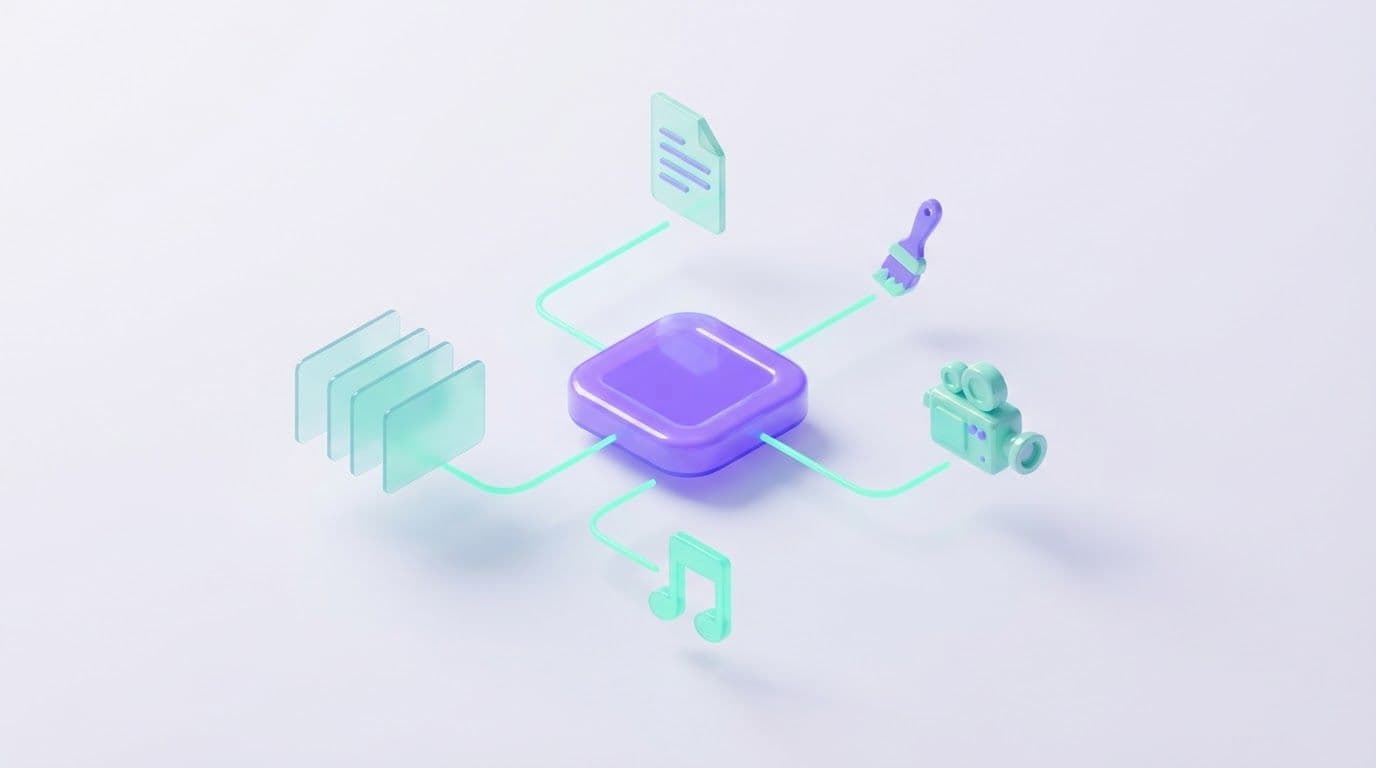
An AI aggregator is a service that gives you models from several vendors in one interface, paid for with one subscription. You don't need separate accounts with OpenAI, Anthropic and Google. You pick a model from a list and pay from a single balance.
Whether you need one depends on how many vendors you really use and what kind of output you make. This article covers how it works, where it falls short, and a five-step test you can run on your own workload in about half an hour. For concrete numbers I'll use Moleculs, the AI aggregator I've been working in.
What an AI aggregator is
An aggregator sits between you and the model vendors: OpenAI, Anthropic, Google, xAI, DeepSeek, Moonshot AI and others. You send a prompt, the aggregator passes it to the vendor's model, and you see the answer. The models belong to the vendors. The aggregator builds the interface, the billing and the model list around them.
This matters when something goes wrong. If a model gives a weak answer, the aggregator can't retrain it. What it controls is the setup around the model: default settings, how files are passed in and how chat history is kept. So the same model can behave a little differently here than in the vendor's own app.
What "all AI models in one place" means in practice
"All models" is a slogan. In practice it means four groups, and you'll probably lean on one or two of them.
- Text: ChatGPT-5.5, Claude Opus 5.5, Gemini 3.1 Pro and DeepSeek V4 Pro, plus fast cheap models like Gemini 3.8 Flash.
- Images: Midjourney, Nano Banana Pro, Ideogram v3 (styled posters and text inside images) and Seedream v4.5 (photorealism at up to 4K).
- Video: Veo 3.1, Kling 3.0 (multi-shot video and a 4K mode) and Seedance 2.0 (text-to-video and image-to-video).
- Audio: Suno V5 for music with vocals, and ElevenLabs Speech-to-Text for transcription that separates speakers.
Read model names carefully. "Kling 3.0" and "Kling 3.0 (image-to-video)" are separate entries, and each has its own abilities and price. Multi-shot and 4K belong to the first. The second animates a still photo with camera movement. Flash and Pro pairs work the same way.
How one subscription pays for many models
Every model costs a fixed number of credits per run, and all of them draw from one balance. The quota refills each billing period. Here's what a run costs in Moleculs as of September 2026:
- Gemini 3.8 Flash, DeepSeek V4 Flash: 1 credit
- DeepSeek V4 Pro: 2 credits
- Claude Sonnet 5: 10 credits
- Claude Opus 5.5: 20 credits
- ChatGPT-5.5: 28 credits
Paid plans come with 1,000 to 20,000 credits a month. So 1,000 credits buys a thousand Gemini 3.8 Flash runs, fifty Claude Opus 5.5 runs, or about fifteen Nano Banana Pro images at 64 credits each. Video costs more than text, and so do some image models. The exact price is shown for each model in the catalog, so check it before you run one.
Mistakes scale the same way. A vague prompt that fails on Nano Banana Pro costs as much as 64 Flash drafts. The Nano Banana image models span that range: 14 credits for Nano Banana 2 Lite, 21 for Nano Banana 2 and 64 for Pro. Get the composition right on the cheap one, then switch.
Aggregator vs direct vendor subscriptions
| Aggregator | Direct subscriptions | |
|---|---|---|
| Accounts | One | One per vendor |
| How you pay | One subscription, credits spent per run | A separate fee per vendor, each with its own usage limits |
| Model choice | Models from many vendors, switched per task | Only that vendor's models |
| Vendor-specific app features | Not guaranteed, the setup can differ | Everything the vendor ships in its app |
| Who it suits | People who mix vendors or media types, or whose usage varies | People who live in one model and its app every day |
You're trading breadth for depth. An aggregator wins when your work is spread across vendors. A direct subscription wins when it's concentrated in one.
When you need one
It's worth testing an aggregator if two or more of these apply:
- You use more than one vendor. Check your card statements for the last three months. Paying for two or more AI subscriptions at the same time is the clearest signal.
- You mix text with images, video or audio. For example, you write email copy, make product photos and cut a short promo clip every month.
- You want to try a new model without another subscription. Run your usual prompt on it for a few credits rather than paying for a month to find out.
- Your usage swings. A launch month is heavy on video, and a quiet month is mostly cheap text. One balance covers both, and you don't have to juggle accounts.
When you don't
- You rely on one model every day and need everything its official app offers. Vendor apps build their own features around the model, and an aggregator doesn't promise to replicate them.
- You need API access for your own code. An aggregator built around a web interface, like the one above, won't fit. Go to the vendor or an API provider.
- You want a native mobile app. If you do most of your AI work on your phone, check this first.
Limits to know before you sign up
Beyond the three deal-breakers above, a few things will shape how you work:
- The model may be set up differently from the vendor's app. Test it on a prompt you know well. If the answer is clearly worse than what you get directly, that model isn't a fit for you here.
- You can't compare answers side by side in one window. To compare, run the same prompt in two chats and score both answers on the same three criteria: accuracy, format and length.
- There are no ready-made templates that chain models together. Say you write a product description and want a matching image. You copy the text into an image model yourself.
- There's no public API. This came up above. It also means you can't automate anything.
How to check whether an aggregator fits your workload in 5 steps
- List your tasks for a typical month, with volumes. Write "40 client emails, 20 product photos, 4 promo videos", not just "marketing".
- Match each task to a model type: text, image, video or audio.
- Pick a cheap model and a strong model for each type. Use the cheap one for drafts and routine work, and the strong one for the hard parts.
- Check the credit cost of each model in the catalog and budget for retries: at least 2 runs per finished text and 2–3 per finished image.
- Add it up and compare the monthly total with the plans.
A cheap text model can do steps 1 and 2 for you. Copy this and fill in the brackets:
Role: You are an operations analyst who plans AI tool budgets.
Task: My monthly AI workload is [40 client emails, 20 product photos, 4 short promo videos]. Map each task to a model type: text, image, video or audio.
Format: A table with columns: task, volume per month, model type, can a cheap fast text model do it (yes/no), one-line reason.
Constraints: Don't recommend vendors. If a task is ambiguous, flag it instead of guessing.To see how a model responds, run a short version of this prompt in a text chat.
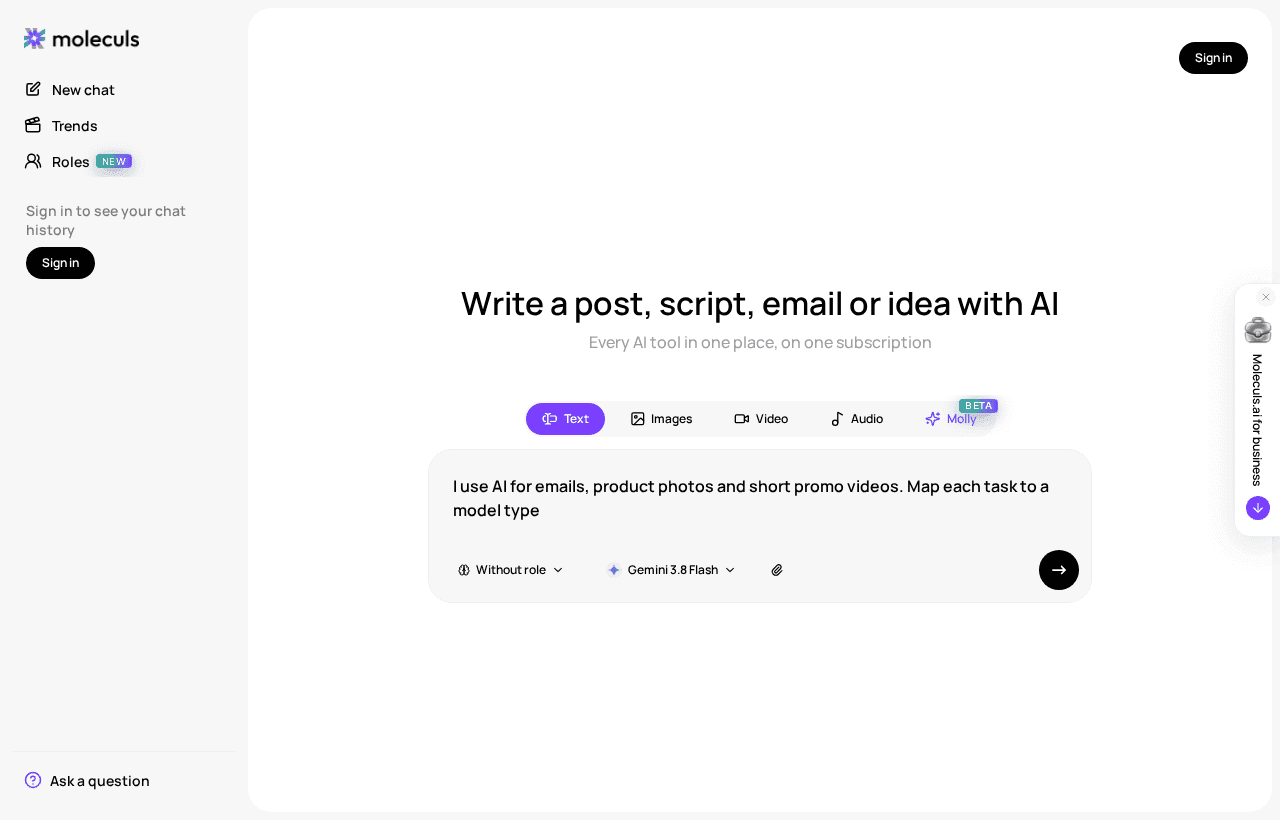
Then do steps 3 to 5 in a worksheet. Here's the example workload filled in with September 2026 prices:
Task Runs Model (credits/run) Total
Routine emails 30 x 2 Gemini 3.8 Flash (1) 60
Tricky emails 10 x 2 Claude Sonnet 5 (10) 200
Product photo drafts 20 x 2 Nano Banana 2 Lite (14) 560
Hero shots 5 x 1 Nano Banana Pro (64) 320
Promo videos 4 x ? price from the catalog ?
Subtotal before video over 1,000Here's how to read the result. Images drive the cost, not text: product photo drafts and hero shots together take most of the subtotal. The subtotal is already over 1,000 before a single video, so the smallest paid plan won't cover this month. Add the video line and leave 20–30% headroom for bad runs. Then compare plans and credit quotas against that number.
If one model takes most of the total and you'd use its vendor's app features anyway, a direct subscription is probably simpler. If the total is spread across three or four model types, that's the workload an aggregator is built for.
Frequently asked questions
Related articles
What Is a Neural Network in Plain Words and How It Works
A plain-language walkthrough of what a neural network is, how it learns, why it invents facts, and a short experiment you can run on a text model yourself.
AI Photo Editing: What Works, What Fails, How to Prompt It
A practical look at AI photo editing: which tasks models handle well, how to write an editing prompt that protects the rest of the frame, and how to keep token spend low.

Corporate access to AI models
Invoice for legal entities, centralised payment, priority support
- Access to ChatGPT, Gemini, Grok, Claude and DeepSeek
- Prompt library and shared access inside the team