
Best Free AI Video Generator: What You Actually Get in 2026
Short answer: don't expect a free AI video generator to cover ongoing production. A free tier gets you a few test clips, and what matters is how you spend them. As of November 2026, start with Seedance, Veo and Kling. Hailuo, Wan, HappyHorse and Grok Imagine each cover a narrower job.
Below: the models by mode, clip length and resolution, a way to stretch a small quota, and a path from idea to a clip with music. The cheapest step comes first: write the shot with a text model that handles short scripts well before you spend anything on video.
What "free" really means for AI video
Free access usually comes in one of three forms: one-time trial credits, a daily allowance, or drafts with restrictions. The usual restrictions are a watermark, lower resolution, shorter clips, a slower queue and sometimes no commercial use. Terms change often, so check the current page before you plan around one.
Video costs more than text for a simple reason. A 6-second clip at 24 fps is about 150 frames, and every frame has to match the ones around it. Double the length or move from 720p to 1080p, and the compute goes up too. A text answer is a few paragraphs.
On Moleculs, the free plan gives you 5 credits. The cheapest text models cost 1 credit per run: ChatGPT 6 Luna, DeepSeek V4 Flash and Gemma 4. Video generations cost more per run. The price sits next to each model in the catalog, so check it before you count on getting a free clip.
Comparison table: video models by mode, length and resolution
| Model | Mode | Clip length | Resolution | References |
|---|---|---|---|---|
| Seedance 2.5 | Video with sound | up to 30 s | - | follows references closely |
| Seedance 2.0 | text-to-video, image-to-video | - | - | multimodal |
| Seedance 2.0 (image-to-video) | image-to-video | - | - | image as first frame |
| Seedance 2.0 Mini | text/image-to-video, fast and cheaper | - | - | multimodal |
| Veo 3.1 | text-to-video, image-to-video | - | 1080p option | - |
| Veo 3.1 (image-to-video) | image-to-video | - | - | reference image |
| Veo Omni | multimodal text/image-to-video | - | up to 4K | text and image |
| Kling 3.0 | multi-shot video | - | 4K mode | element references |
| Kling 3.0 (image-to-video) | photo animation with camera move | - | - | your photo |
| Kling 2.1 Standard (image-to-video) | image-to-video | 5 or 10 s | - | image |
| Hailuo 02 Standard (image-to-video) | image-to-video | 6 or 10 s | 512p, 768p | image |
| Wan 2.6 (image-to-video) | image-to-video | 5, 10 or 15 s | 720p, 1080p | image |
| HappyHorse Text-to-Video | text-to-video | up to 15 s | up to 1080p | - |
| HappyHorse Image-to-Video | image-to-video | - | - | image required |
| Grok Imagine Video | text-to-video | - | - | - |
| Grok Imagine (image-to-video) | image-to-video | - | - | image |
A dash means the model card lists the current options. For length, look at Seedance 2.5 (30 s), Wan 2.6 or HappyHorse (15 s). For 4K, look at Veo Omni or Kling 3.0. For cheap drafts, look at Seedance 2.0 Mini.
Text-to-video vs image-to-video
If you already know what the shot should look like, start with image-to-video. The picture sets the composition, faces, colours and framing, and the model only has to add motion. With text-to-video, the model invents all of that again on every run.
A still costs less than a clip. As of November 2026, GPT Image 2.5 Flare costs 6 credits per run and Nano Banana costs 8. Make three or four stills, pick one and animate it once. If you're weighing Midjourney for the stills, check what it actually gives you for free on Discord first.
A good first frame has a clear subject, room in the frame for the planned motion, and no small text. Text-to-video is the better start when you're still exploring and want five different takes on one idea. Switch to image-to-video once one of them is close.
Grok alternatives for video generation
Grok Imagine Video does text-to-video, and a separate Grok Imagine model does image-to-video. Use them for a quick idea test. If you also want to compare the text side, there is a separate look at free ChatGPT, Gemini and Grok alternatives. Switch when the task needs something another model offers:
- A longer clip with sound in one pass: Seedance 2.5, up to 30 seconds.
- Several shots with the same character or object: Kling 3.0, which supports multi-shot video with element references.
- 4K output: Veo Omni, or Kling 3.0 in its 4K mode.
- A photo animated with a camera move: Kling 3.0 (image-to-video).
- 15 seconds from a single image at 1080p: Wan 2.6.
Don't switch models after one bad result. Run the same prompt twice. If both runs fail the same way, the problem is the prompt. If they fail in different ways, try another model.
How to spend a small free quota without wasting it
Spend in this order, cheapest first.
- Draft the prompt with a cheap text model, at 1-2 credits per run. Ask for three variants in the shot format from the last section. If your source is a long text, first condense the article into a short video script.
- Test on a cheaper model, using the shortest length and lowest resolution: Seedance 2.0 Mini, or Wan 2.6 at 5 seconds and 720p.
- Change one thing per run: the camera move, the light or the action. If you change two things at once, you won't know which one helped.
- Move only the prompt that worked to a stronger model: Seedance 2.5, Veo 3.1 or Kling 3.0.
- Upscale only the clip you keep. Topaz Video Upscale goes up to 4x and is its own step.
A failed text draft costs you a credit. A failed final-quality clip costs a full video run plus the wait. Upscaling won't fix bad motion or distorted hands. It just makes them sharper.
Best free AI music generators
Free music tiers usually give you a few tracks, often for personal use only. Check the licence before you publish anything. These are the Suno versions worth comparing:
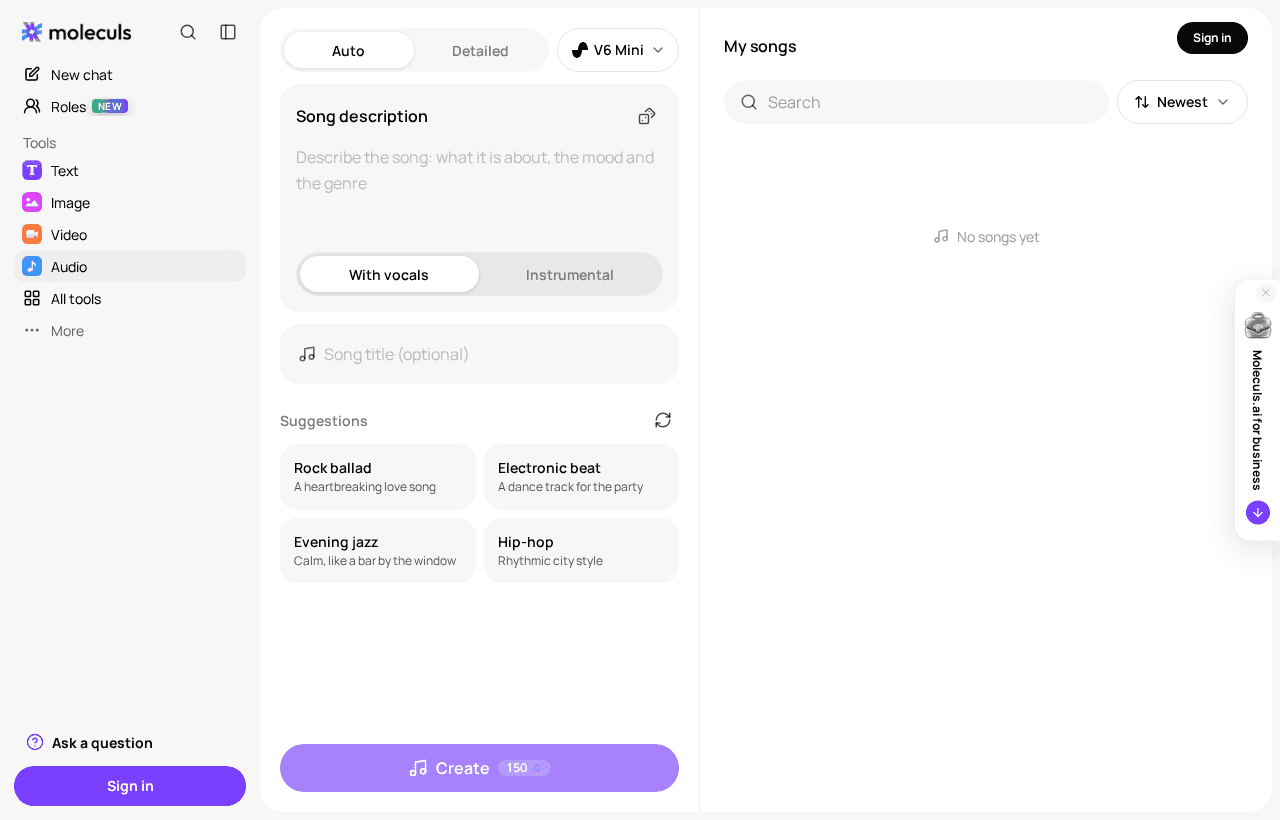
- Suno V6 Mini is a compact version of V6. It generates tracks with vocals or instrumentals quickly and costs less, so use it for drafts.
- Suno V6 is the current version, with better vocals and better long compositions. Use it for the final track.
- Suno V6 Wild is an experimental variant that interprets style more loosely. Try it when V6 sounds too generic.
- Suno V5 is the previous flagship, known for strong vocals, coherent long tracks and a wide range of genres. Run it side by side with V6.
For sound effects, use ElevenLabs Sound Effects. Ask for one sound per request, and include the environment and the duration: "light rain on asphalt, distant traffic, 6 seconds, no music".
Step by step: from idea to a finished clip with a soundtrack in one place on Moleculs
Step 1. Write the shot. Send this template to a cheap text model:
Role: you are a director writing shot descriptions for an AI video model.
Task: turn this idea into 3 variants of one 6-second shot: a paper boat in a rainy city street at dusk.
Format: one line per variant: shot type, subject, action, camera move, light, duration.
Constraints: one subject, one camera move, no on-screen text, no cuts.Step 2. Make a first frame (optional). Take the best variant, add "still frame, no motion blur" and run it on an image model. Pick one of three stills.
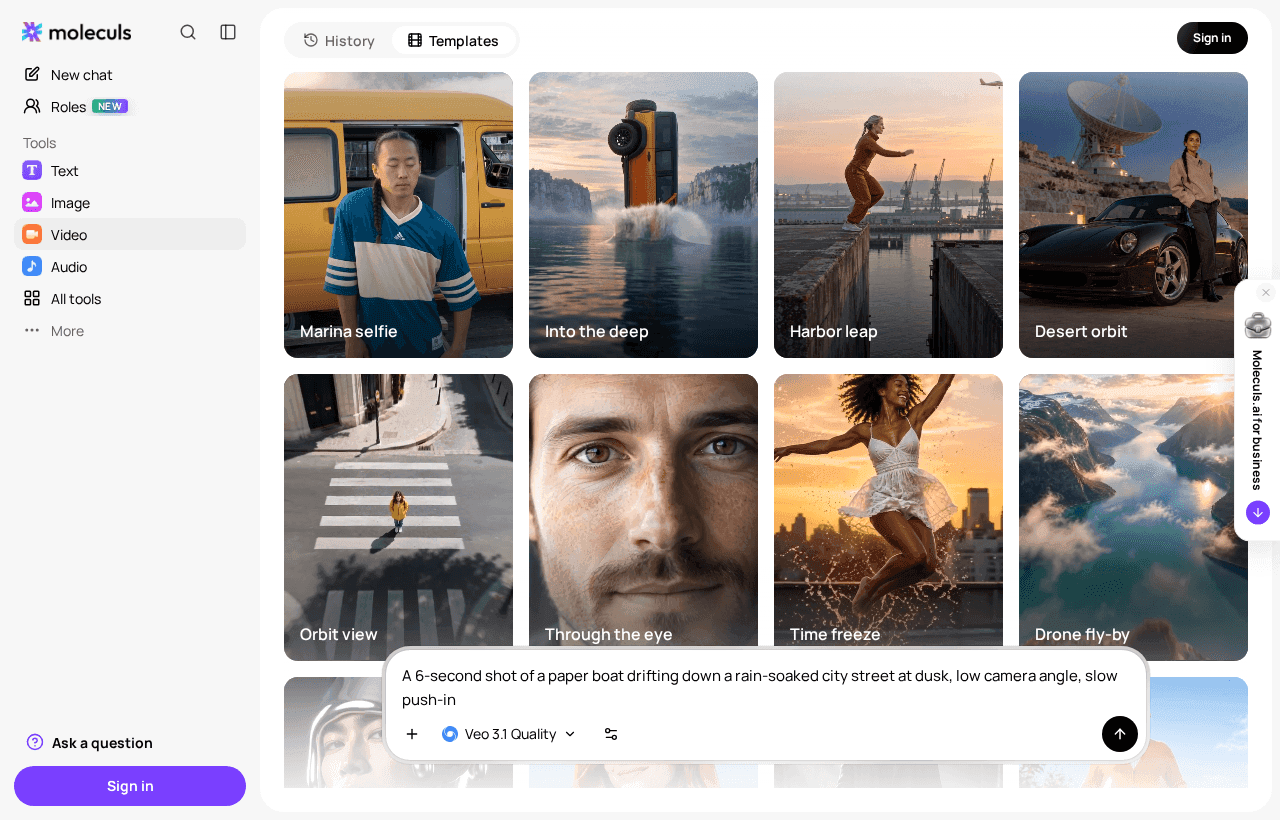
Step 3. Draft the clip. Find a video model in the catalog and paste the shot line. Draft on Seedance 2.0 Mini, or use an image-to-video model if you made a still in step 2. You can run the paper-boat shot as a test and see how it does.
Step 4. Check it against four criteria:
- The subject keeps its shape for the whole clip.
- The camera makes exactly the move you asked for.
- The background doesn't flicker.
- All 6 seconds are usable without trimming.
If one criterion fails, run it again. If two or more fail, rewrite the prompt.
Step 5. Make the final version. Run the same prompt on Seedance 2.5, Veo 3.1 or Kling 3.0. Upscale with Topaz only if you need a higher resolution.
Step 6. Add sound. Ask Suno V6 Mini for a background track:
Calm lo-fi instrumental, 70 bpm, soft piano and vinyl crackle, for a rainy city videoAdd rain from ElevenLabs Sound Effects using the prompt from the previous section.
Step 7. Put it together. Combine the video, music and effects in your own editor. The track will usually be longer than the clip, so cut it on a beat and fade out the last second.
Prompt patterns that work for video
One line covers most shots:
[Shot type] of [subject] [one action] in [place], [camera move], [light], [duration].Examples:
Close-up of a ceramic mug on a wooden table, steam rising, slow orbit left, warm morning window light, 5 seconds.
Wide shot of a cyclist crossing an empty bridge at sunrise, static camera, low golden light, 6 seconds.For image-to-video, describe only the motion: "the woman turns her head toward the camera and smiles, static camera, background unchanged, 5 seconds". If you describe the picture again, the description can clash with the image.
What usually breaks a shot:
- Two or three actions in a single shot.
- Stacked camera moves, such as "pan, zoom and orbit".
- Mood words with nothing visual behind them, like "epic" or "beautiful". Use light and colour instead.
- Text on signs and screens, which tends to come out garbled.
Frequently asked questions
Related articles
 Model guides
Free ChatGPT, Gemini and Grok Alternatives: What Actually Works
Which free AI chatbots can replace ChatGPT, Gemini or Grok, what their free plans skip, and how to test several models before you pay for one.
 AI explained
What Is an AI Aggregator and When Do You Actually Need One?
How an AI aggregator gives you text, image, video and audio models in one subscription, what it can't do, and a simple test to see if you need one.
 AI explained
Gemini vs ChatGPT (and Grok): Which AI to Use for What in 2026
We compare Gemini, ChatGPT, Grok and alternatives on reasoning, writing, code, file and media input, and price. See which one fits your tasks.
Corporate access to AI models
Invoice for legal entities, centralised payment, priority support
- Access to ChatGPT, Gemini, Grok, Claude and DeepSeek
- Prompt library and shared access inside the team